AI Security
MCP Security Tools in 2026: 6 Options for Agents and Servers
Ask which MCP servers this agent can actually call today. A prompt filter will not see an unpinned npx.
Expertise: AI Security · Level: Intermediate · 6 min read
Which MCP servers can this agent actually call today? The MCP security best practices page (2026-07-28) treats local servers from untrusted sources as arbitrary code execution. A startup command that begins with npx runs with the client’s privileges. A prompt filter never sees that subprocess.
The wrong assumption is that a filter on model text covers the tool bus. Start with inventory. Scan what you configured. Isolate anything that can reach a secret or a write API. Then allowlist.
Retrieval and output handling on the model call stay on LLM security tools. The proxy product class is MCP gateways. An allowlist proxy, a config scanner, and an isolation sandbox answer different parts of that inventory question.
How we evaluated
We read first-party docs, source, licenses, and release notes, and we treat a marketing page as a claim, not as proof that two products do the same work.
We cared about whether the tool inspects, scans, isolates, or gates, whether you operate it, whether the docs name a server you run, and whether the control is an allowlist or only a warning.
We read first-party docs, licenses, and release notes. Unless a write-up says otherwise, we did not run a paid tenant.
| Tool | Best for | What to check |
|---|---|---|
| MCP Inspector | Official look at a server you already run | Official look · MIT · you bring the server |
| Snyk Agent Scan | Scan MCP configs on a machine you own | Discover local configs · Apache-2.0 · can start listed servers |
| Docker MCP Toolkit | A catalog you can pin instead of a random npx | Catalog you can pin · Docker terms · Desktop toolkit |
| ToolHive | Run MCP servers in a box you isolate | Isolated run · Apache-2.0 · you operate the box |
| ContextForge MCP Gateway | A gateway in front of servers you already trust | Gateway process · Apache-2.0 · you host it |
| mcp-proxy | stdio to HTTP on a host you own | stdio and SSE bridge · MIT · you run the process |
MCP Inspector
Best for official look at a server you already run
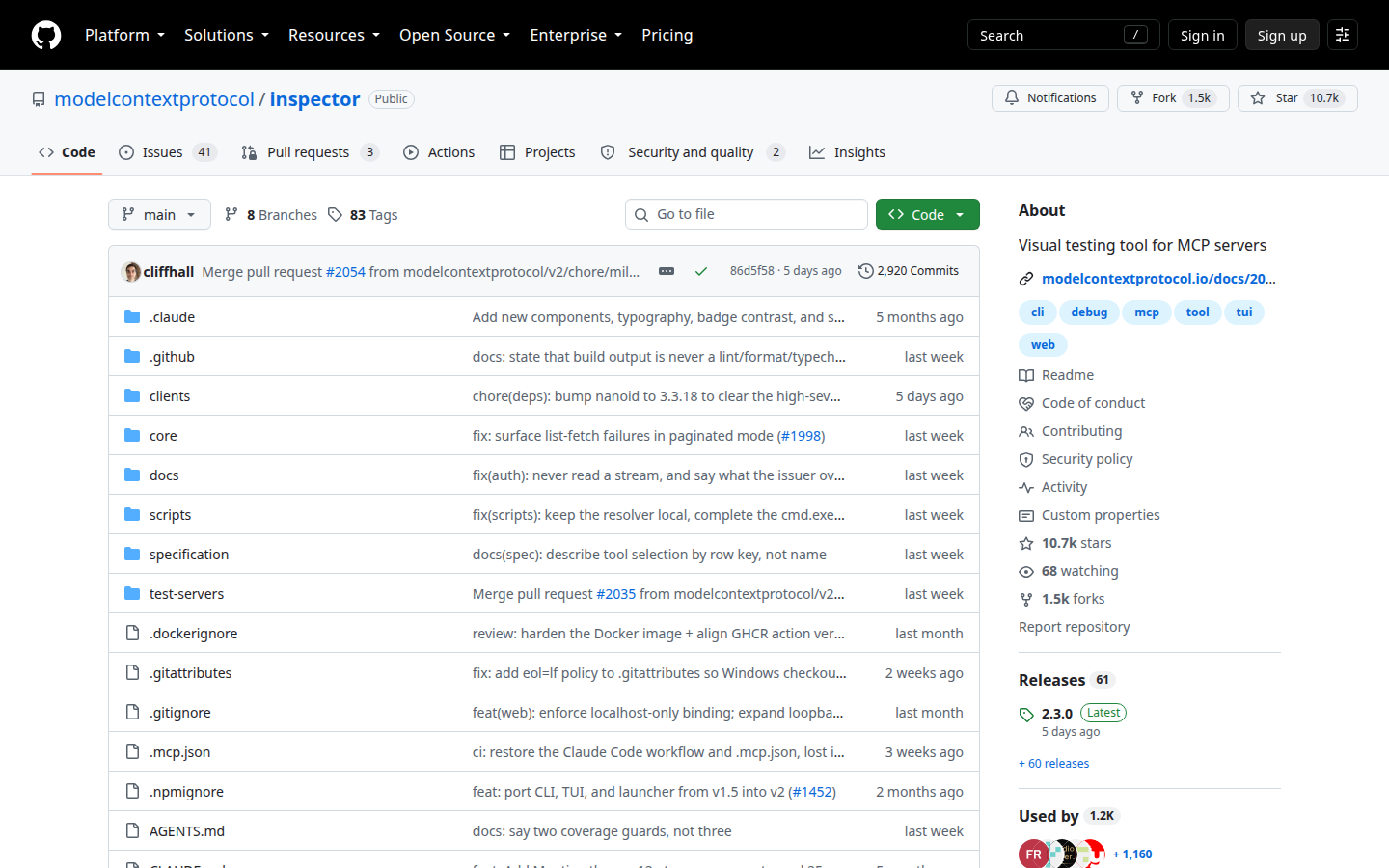
The official inspector talks to an MCP server and shows tools, prompts, and resources. You point it at a server you operate.
See the surface before you wire it to a model, because a look is cheaper than a surprise delete. It is a look, not a policy engine. Do not point it at a stranger’s host.
Key features
- List tools and prompts
- Official repo
- MIT
- You bring the server
Why we like it
Listing tools and prompts on a server you run is the first control worth installing.
Limits
It is a look, not a policy engine. Do not point it at a stranger’s host.
Snyk Agent Scan
Best for scan MCP configs on a machine you own
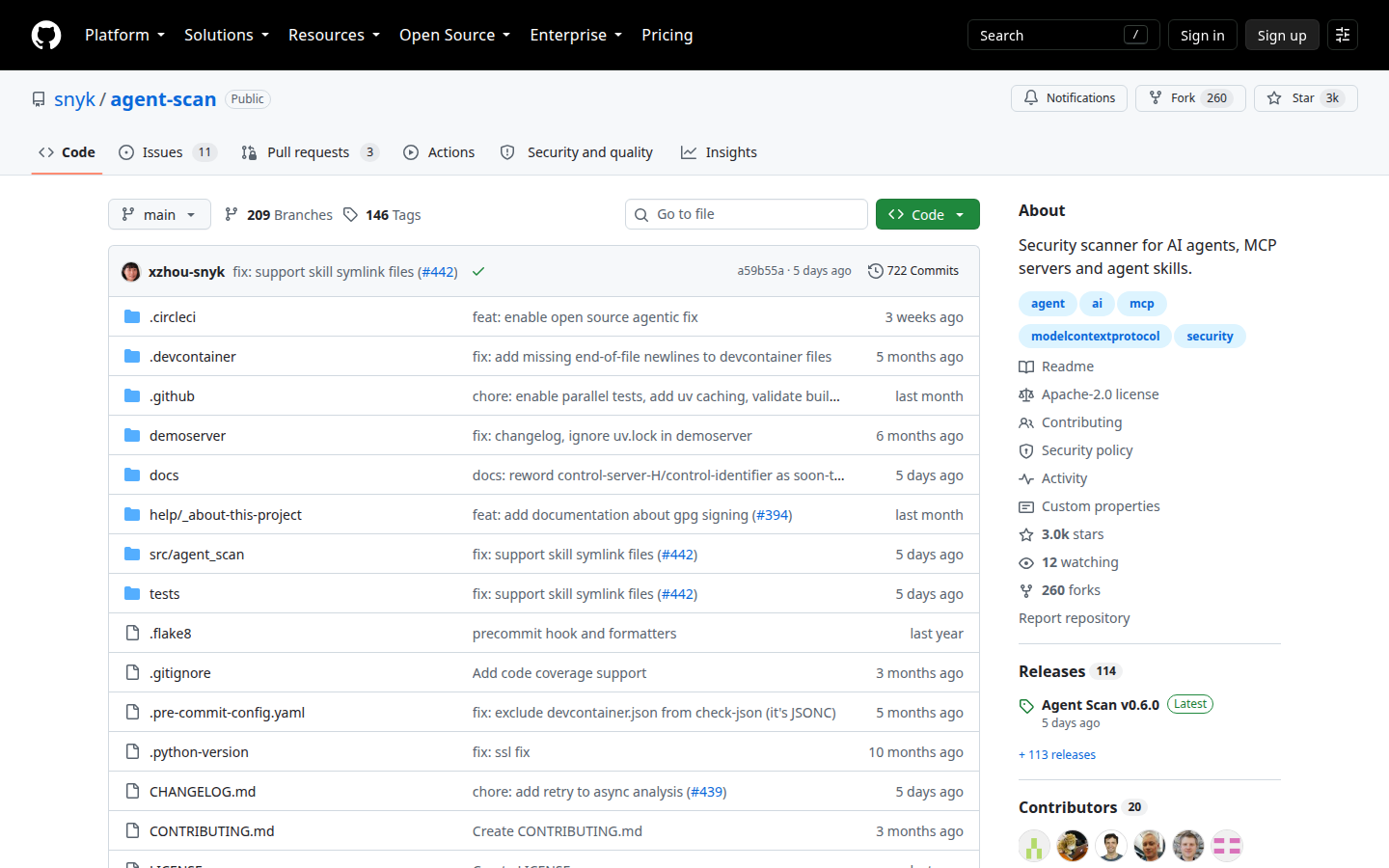
Formerly Invariant mcp-scan. Discovers agent configs and MCP servers on a machine you own. Scanning a config can start the servers listed in it. Read that warning.
A laptop inventory is the first CIEM of agents, so name the rename so old bookmarks still work. Use it only on machines you operate. No jailbreak recipes here.
Key features
- Discover local MCP configs
- Risk notes on the public docs
- inspect without analysis
- Snyk Evo optional
Why we like it
You cannot allowlist a server you never inventoried. The warning about starting servers is the product honesty.
Limits
Starting listed servers is a consent problem. Use only on machines you operate.
Docker MCP Toolkit
Best for a catalog you can pin instead of a random npx
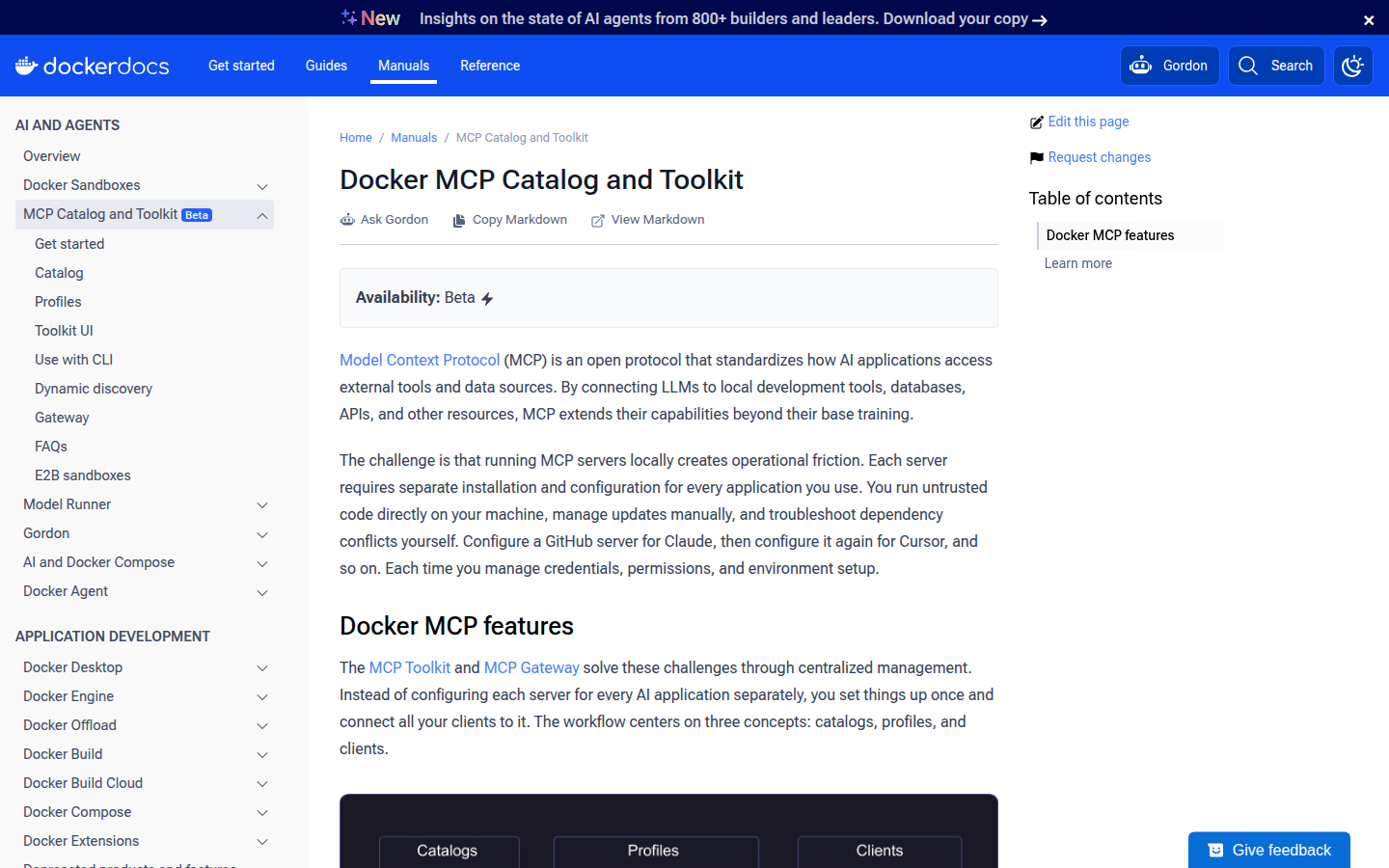
Docker documents an MCP catalog and toolkit in Docker Desktop. The pitch is signed, listed servers instead of a paste.
Most incidents start as an unpinned command, so a catalog is the boring control. You still read what the server can do. It is not a model firewall.
Key features
- Catalog on the public docs
- Desktop toolkit
- Pin a listed server
- Vendor path
Why we like it
A listed server you pin is better than an npx you cannot name next week.
Limits
Desktop-shaped. You still read what the server can do. Not a model firewall.
ToolHive
Best for run MCP servers in a box you isolate
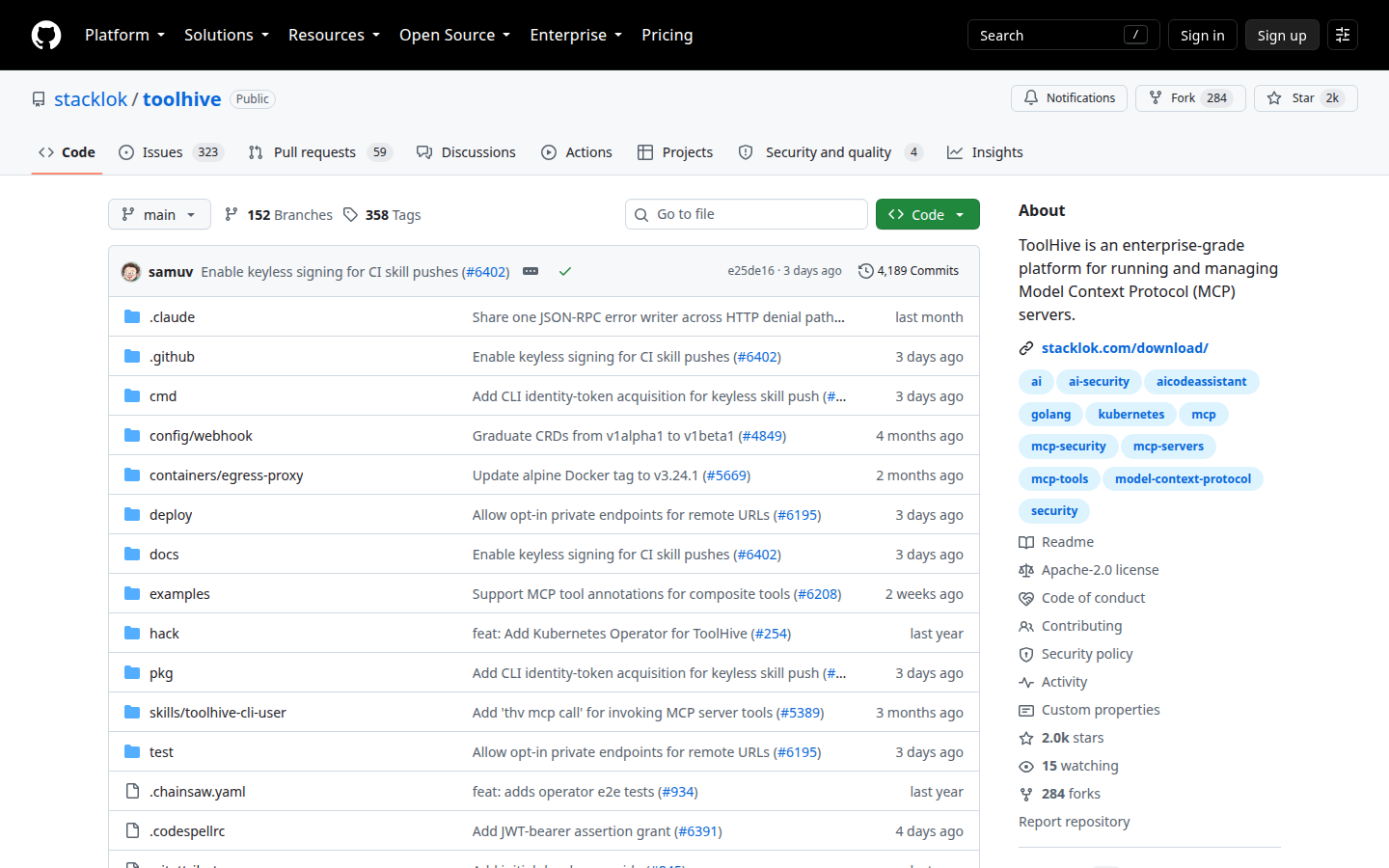
ToolHive runs MCP servers with isolation on the public docs. The server is not a raw npx on the same user as the browser.
Inventory without isolation is a list of loaded guns, so the box is the product. You still allowlist which server starts. Isolation is not a proof the tool text is safe.
Key features
- Isolated run
- Apache-2.0
- CLI they ship
- You operate the box
Why we like it
A server in a box you isolate is the control when the model should not share the user’s whole home.
Limits
You still allowlist which server starts. Isolation is not a proof the tool text is safe.
ContextForge MCP Gateway
Best for a gateway in front of servers you already trust
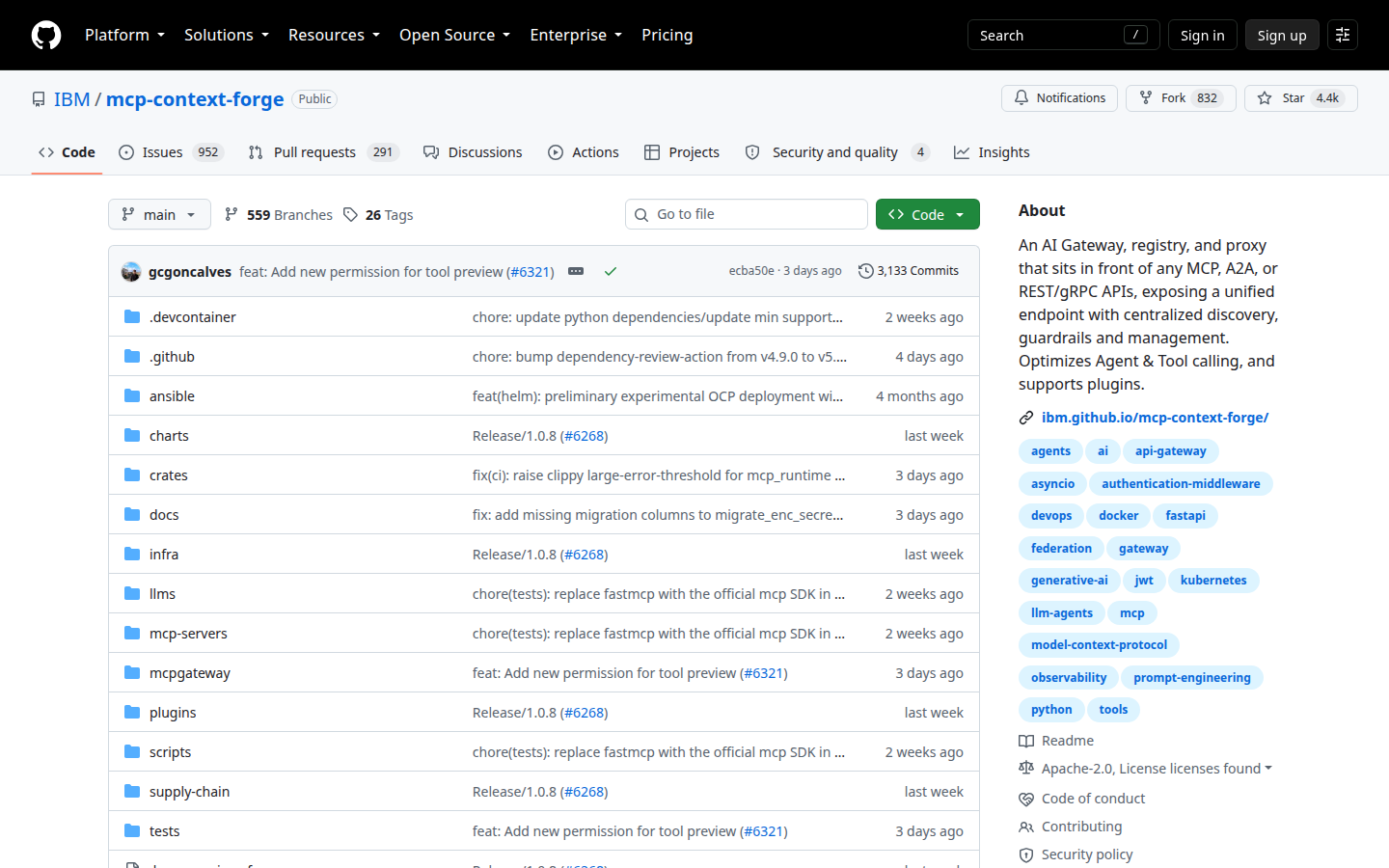
ContextForge is an MCP gateway. You put it in front of servers you operate and apply the controls on the public docs.
When several clients should not each start their own stdio zoo, a gateway is the door. It is younger than Kong. You staff it. Not a jailbreak lab.
Key features
- Gateway process
- Apache-2.0
- You host it
- IBM repo
Why we like it
One door in front of servers you already trust beats every client spawning its own process.
Limits
Younger than a mature API gateway. You staff it. Not a jailbreak lab.
mcp-proxy
Best for stdio to HTTP on a host you own
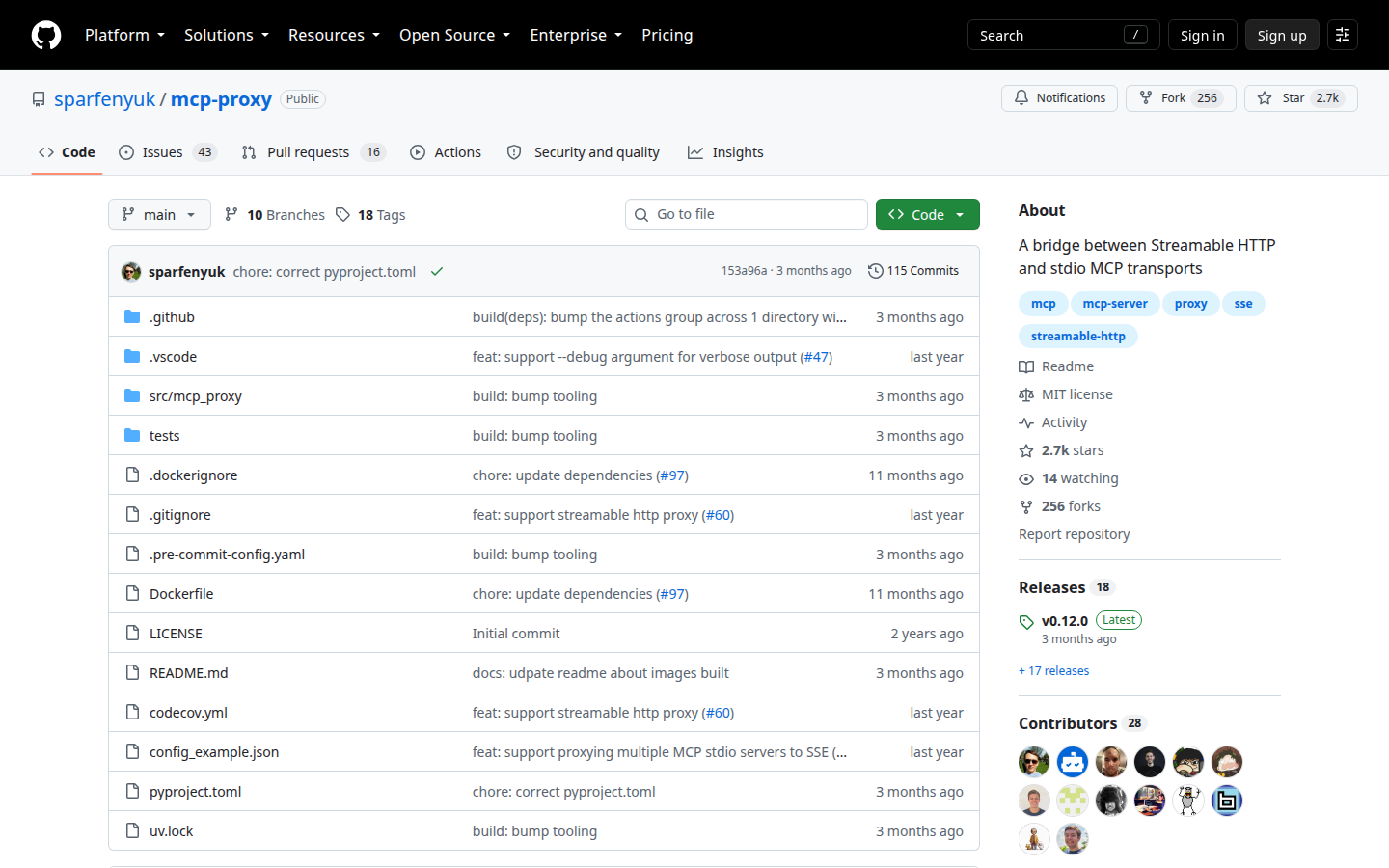
mcp-proxy exposes an MCP stdio server over SSE or the reverse. Useful when the client and the server cannot share a process.
A bridge you can firewall is sometimes the whole program, because the client cannot speak stdio. A proxy is not a scanner. Do not bridge a server you have never listed.
Key features
- stdio and SSE bridge
- MIT
- You run the process
- Simple surface
Why we like it
When process boundaries are the hole, put a small proxy you can firewall in front of the MCP server so the agent cannot reach the host network directly.
Limits
A proxy is not a scanner. Do not bridge a server you have never listed.
What we left out
- Claude Desktop. People want the client they already use to talk to local servers. It is a client, not an inspector or a gate, so it failed the inventory-before-execute check.
- modelcontextprotocol/servers. Teams want a list of official example servers they can clone. It is a catalog of servers, not a look or an isolate control.
Questions before you buy
Ask these before the quote. A product that cannot answer them is selling a different control.
- Can I list every MCP server a laptop I own will start, without executing a stranger’s config?
- Does scanning this config start the servers it names, and did we consent to that?
- Is this a look, a box, a gateway, or only a bridge?
Inventory first. Then isolate. A prompt filter will not see an unpinned server.
FAQs
Does this replace LLM security tools?
No. LLM security is output and retrieval. MCP is the tool bus. Those are different jobs. Open the matching list for the other one.
Why did mcp-scan change names?
Invariant mcp-scan moved to Snyk Agent Scan. Same job, new steward. Use the live repo.
Will you teach a jailbreak?
No.
Is this a scored bake-off?
No. Order is editorial.

