Application Security
6 Secret Scanning Tools for Git, CI, and Leaked Credentials
Fail the next commit on a remote you operate. Monday’s Slack paste still lands in git if the hook never ran.
Expertise: Application Security · Level: Intermediate · 6 min read
Monday’s Slack paste still lands in git if the hook never ran. The annual leak report the team already bought is a dashboard of last week’s findings. It did not fail the 1 commit that mattered.
A scanner that fails the next commit on a remote you operate is the control. A dashboard of last week’s leaks is not. The split that matters is whether you run a scanner yourself, or the host already watches the remotes.
Rotation still happens in the store the app fetches. This shortlist is the hook. The production miss is a key that merged at 4pm and was live in a fork before the weekly digest.
Pre-commit and CI scanners you run, platform scanning on GitHub or GitLab, and public leak indexes split that fail. Pick the one that can block the push.
How we evaluated
We read first-party docs, source, licenses, and release notes, and we treat a marketing page as a claim, not as proof that two products do the same work.
We cared about whether a hook can fail a commit you own, whether history is in scope, whether you operate the scanner, and whether the docs name a pattern you can test in a repo you control.
We read first-party docs, licenses, and release notes. Unless a write-up says otherwise, we did not run a paid tenant.
| Tool | Best for | What to check |
|---|---|---|
| Gitleaks | Fast hook on a repo you own | TOML hook · MIT · you own the binary |
| TruffleHog | Verified findings on remotes you own | Optional live verify · AGPL-3.0 · remotes you own |
| detect-secrets | A baseline file you can review | Committed baseline · Apache-2.0 · pre-commit |
| GitHub Secret Protection | Push protection on the remote you already use | Partner patterns · GitHub terms · push protection on a SKU |
| GitGuardian | A desk when keys also live in chat | Multi-source desk · commercial / MIT CLI · chat and git |
| GitLab Secret Detection | Pipeline scan when the remote is GitLab | CI analyzer · GitLab terms · MR widget |
Gitleaks
Best for fast hook on a repo you own
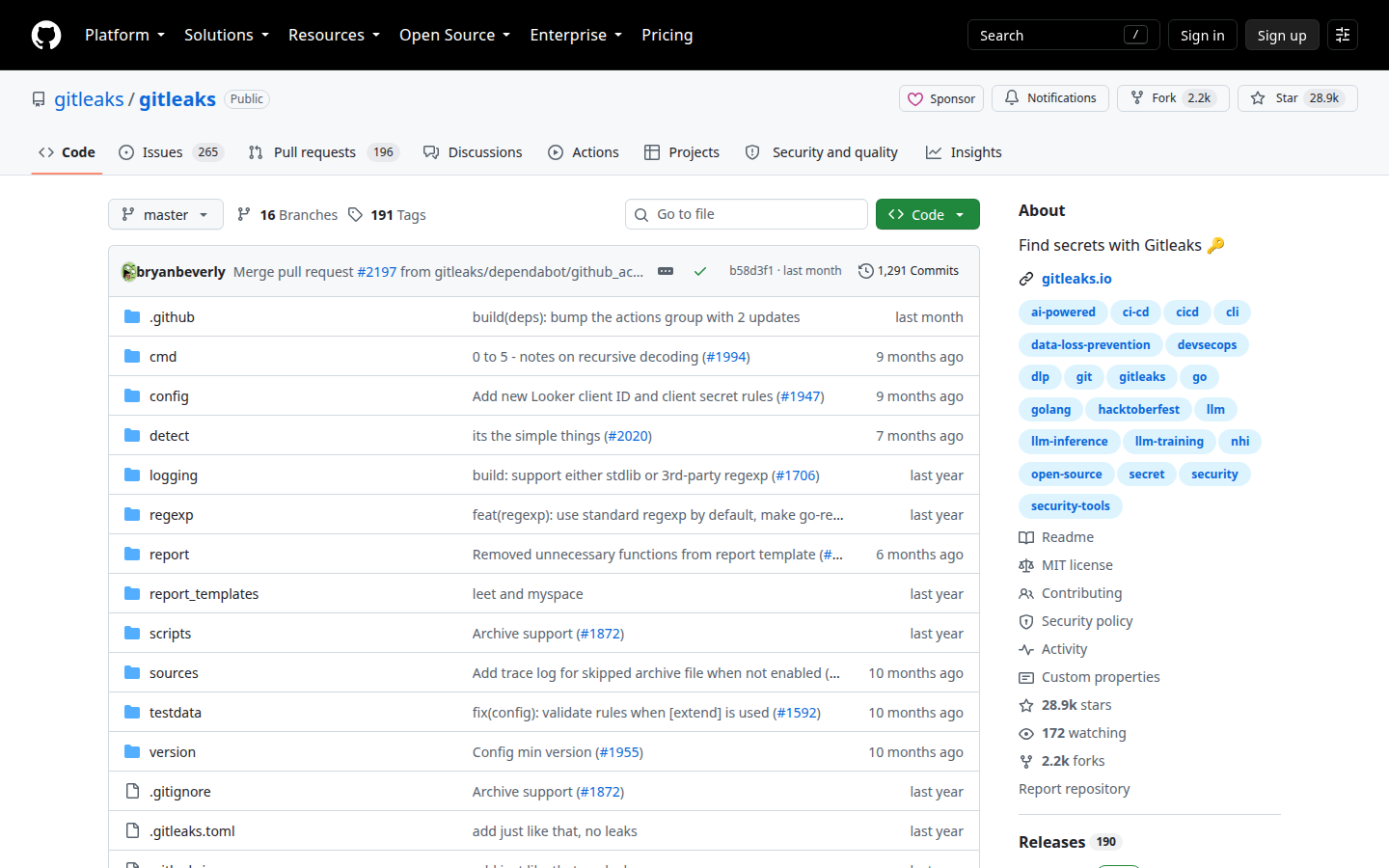
Gitleaks scans git, files, and stdin. Config is TOML. Pre-commit and CI are first-class. It does not verify live keys by default.
You own the binary, so you can fail the commit before the remote sees it. That is why it is the first install when the hole is the next leak.
Key features
- TOML rules and allowlist
- Pre-commit and CI
- SARIF out
- You own the binary
Why we like it
A hook you can install before the vendor argument is the first control worth installing.
Limits
False friends in the first week. No live verify unless you add it.
TruffleHog
Best for verified findings on remotes you own
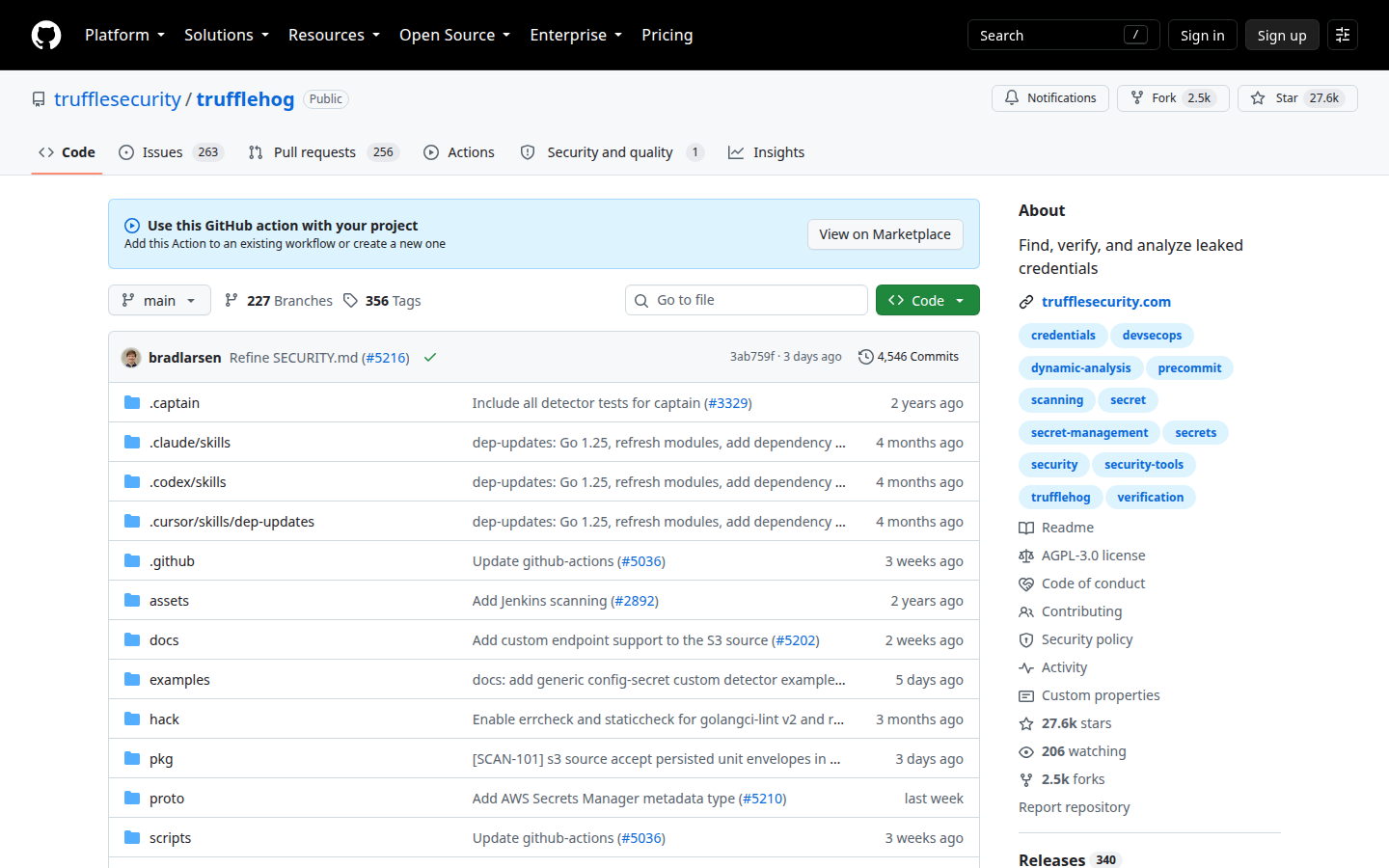
TruffleHog can verify some secrets against the real API when you ask. That is powerful and easy to point at the wrong org.
A verified key is a page, not a trophy, so you run it from a box allowed to talk to those APIs. Stay on remotes you operate. AGPL-3.0 is the license on the core.
Key features
- Optional live verify
- Git, S3, and other sources
- JSON out
- SaaS if you want the desk
Why we like it
When policy allows a live check, a verified finding is the difference between a maybe and a page.
Limits
Verify calls out. AGPL-3.0. Stay on remotes you operate.
detect-secrets
Best for a baseline file you can review
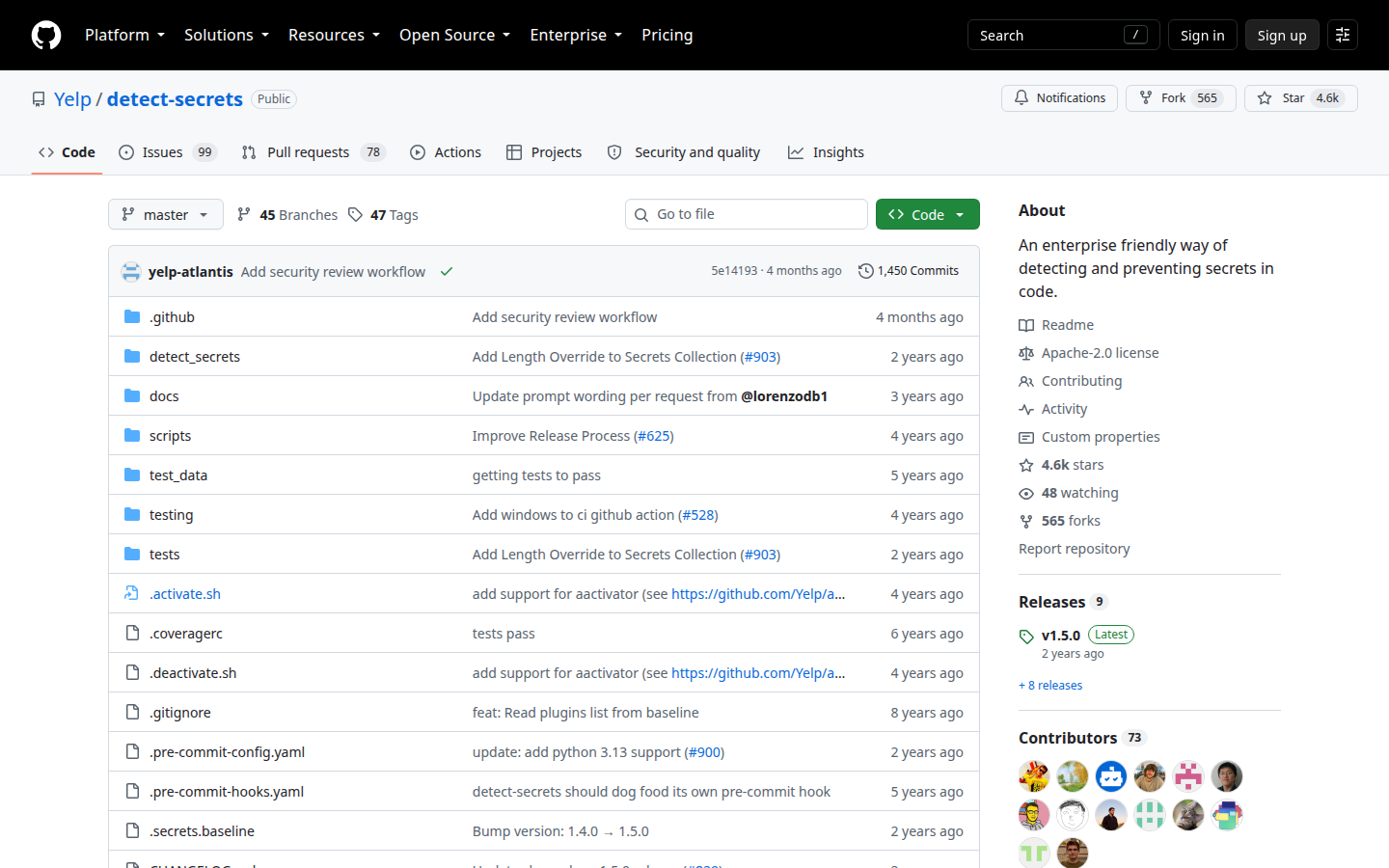
Yelp’s tool commits a.secrets.baseline. CI fails on new candidates. It is a conversation, not a firehose.
When a team fights about false friends, a file you can review is healthier than a Slack maybe, because the baseline is the argument you can reopen next week.
Key features
- Committed baseline
- pre-commit hook
- Plugins
- Apache-2.0
Why we like it
A reviewable file beats a scanner nobody can silence without lying.
Limits
Python env. No live verify. Baseline drift is a review job.
GitHub Secret Protection
Best for push protection on the remote you already use
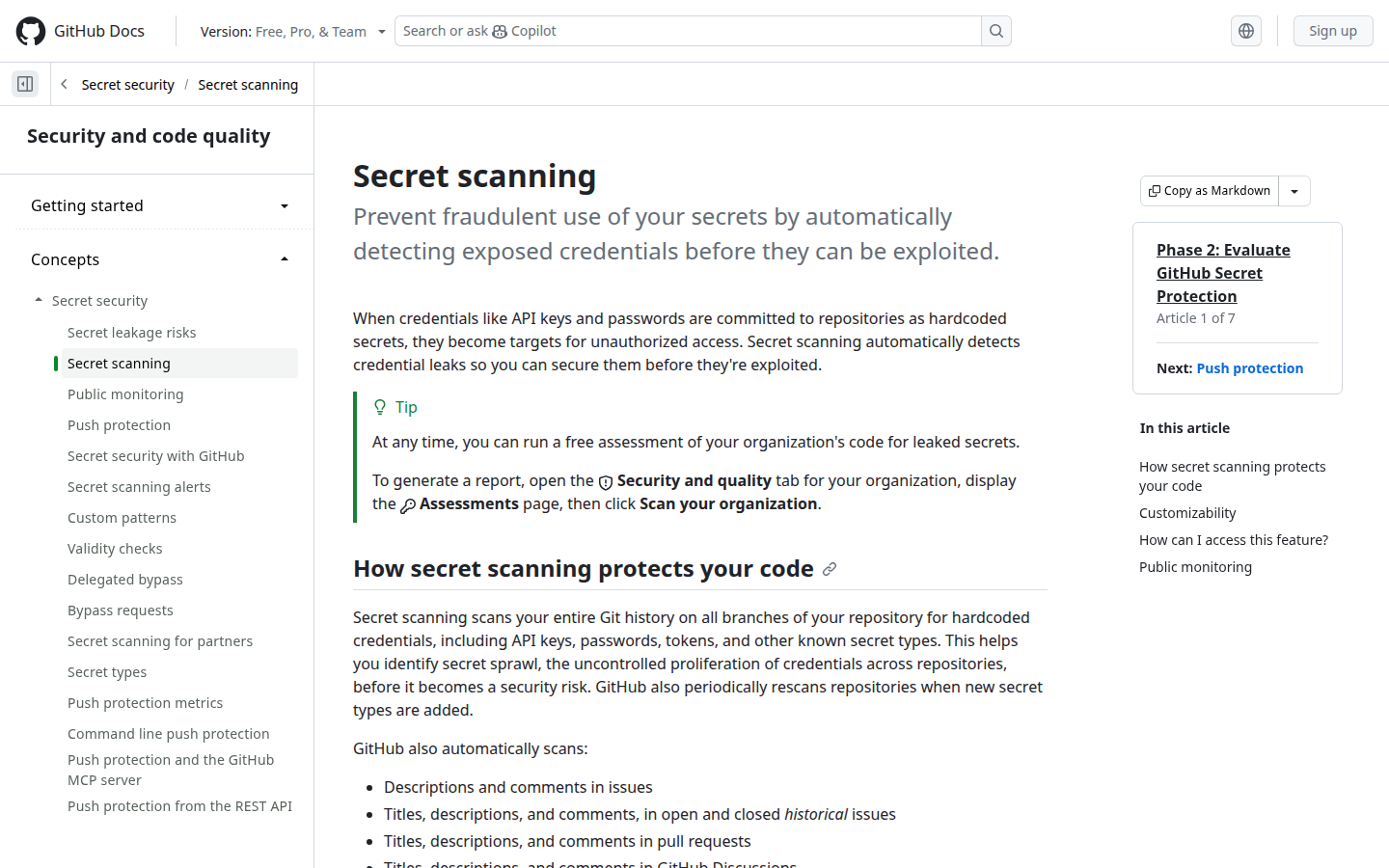
Public repos get partner patterns. Private repos and push protection sit on a SKU. Turn it on before you buy a third scanner.
If the remote is already GitHub, the platform button has saved more Friday nights than a new binary. Remotes elsewhere still need another tool.
Key features
- Partner patterns
- Push protection
- Alerts in the repo
- No extra binary
Why we like it
The remote you already use is the first place a push should die.
Limits
GitHub-only. SKU maze. Remotes elsewhere need another tool.
GitGuardian
Best for a desk when keys also live in chat
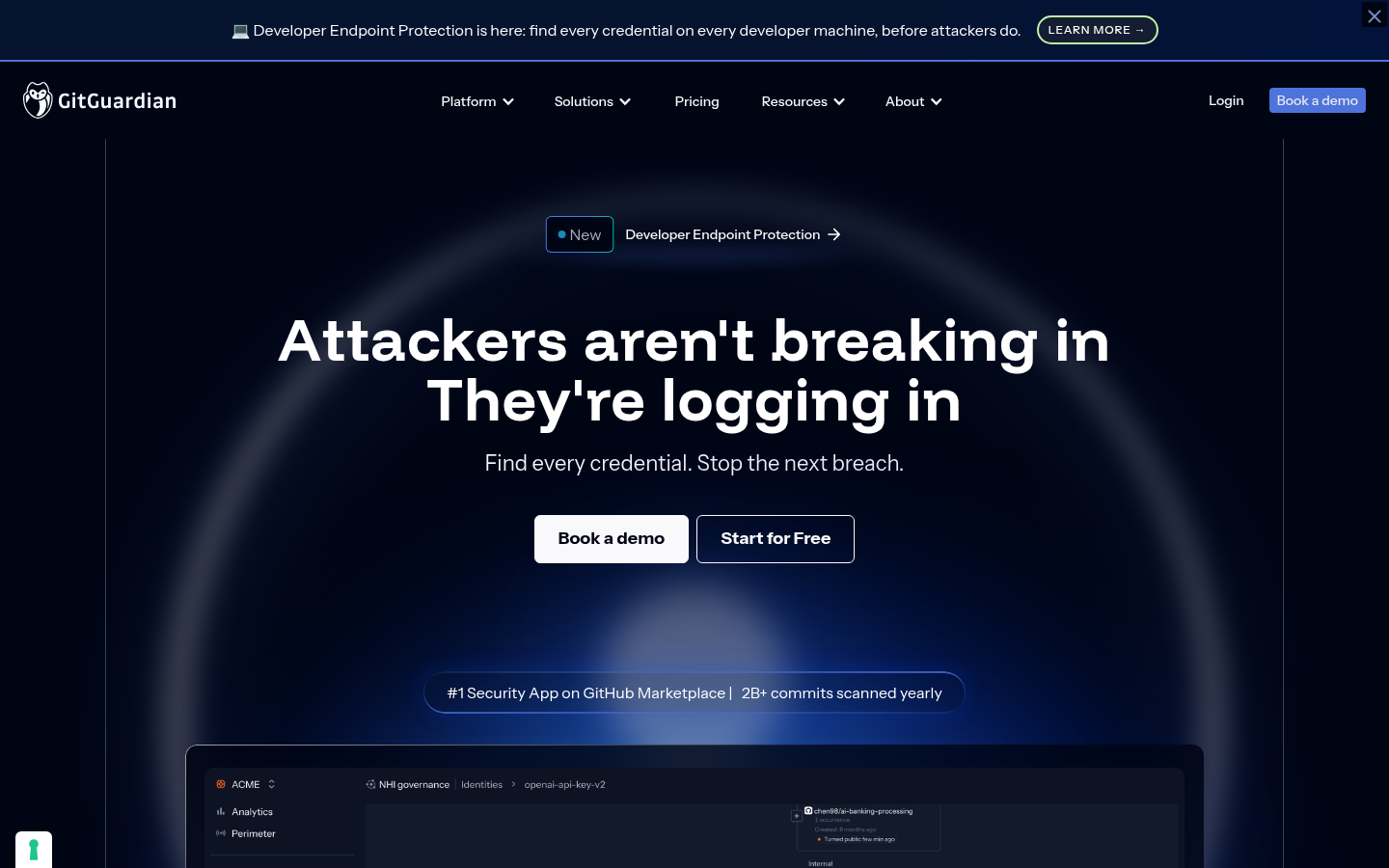
SaaS across git, Slack, and tickets. ggshield is the MIT CLI. The timeline is why you pay.
The last leak was a paste, not a commit, so a git-only hook would have missed it. Start with git if chat is clean.
Key features
- Multi-source incidents
- ggshield CLI
- Playbooks they sell
- API
Why we like it
When keys also live in Slack, a desk that files the paste is the commercial product teams already pay for.
Limits
Another SaaS. Commercial. Start with git if chat is clean.
GitLab Secret Detection
Best for pipeline scan when the remote is GitLab
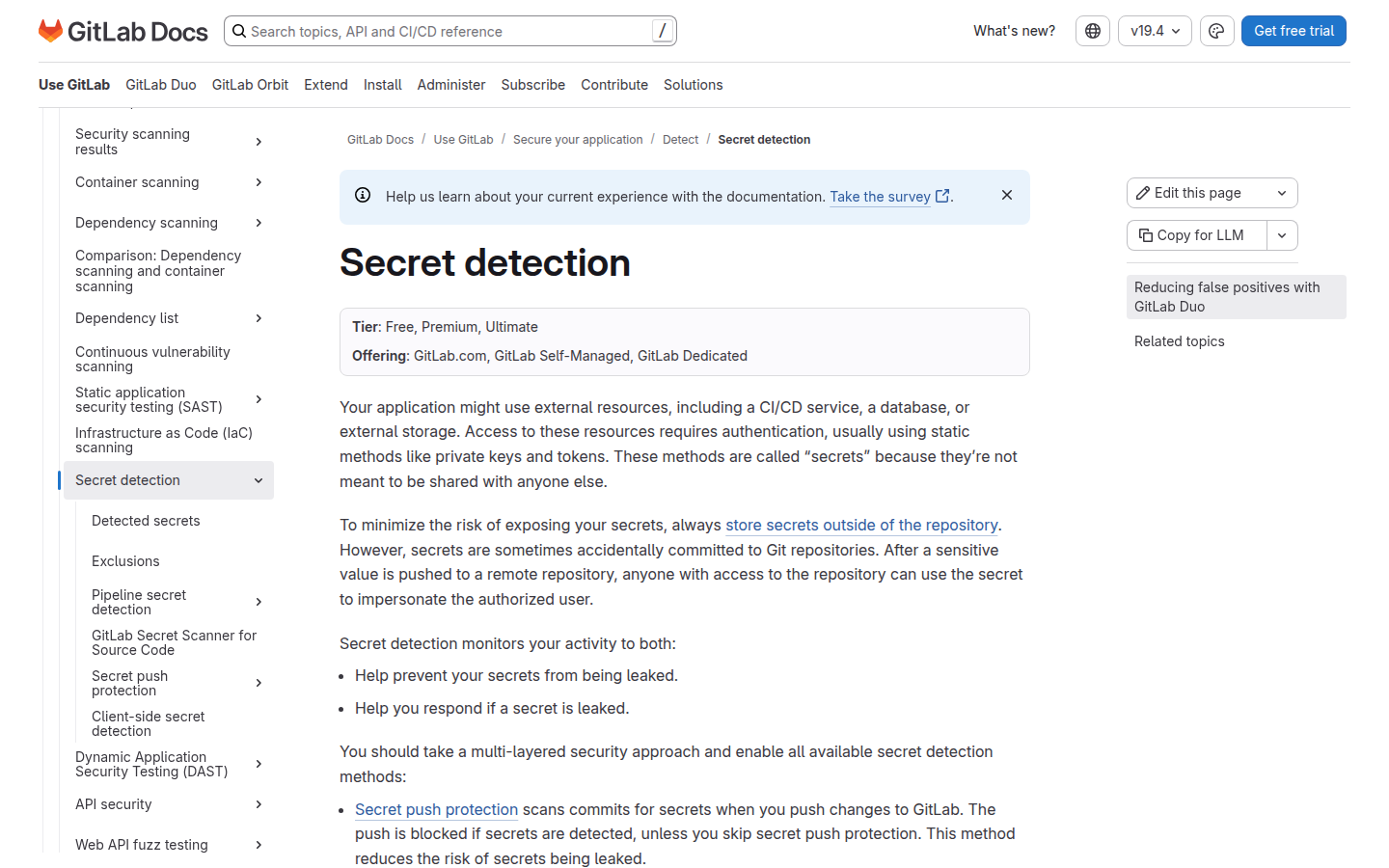
Historical and pipeline detection inside GitLab. Push protection is a later tier. Enable it the same week you enable SAST.
One platform, one bill, fewer agents if the remote is already GitLab. Read the tier page before you promise push protection.
Key features
- CI analyzer
- MR widget
- Historical scan
- Push protection on a tier
Why we like it
If the remote is GitLab, the platform scan is the first button, not a third vendor.
Limits
GitLab-only. Read the tier page before you promise push protection.
What we left out
- git-secrets. People want the AWS hook they already saw in a README. It is pattern-only, and Gitleaks already covers the installable hook.
- Spectral. Teams want a developer SaaS that comments on the PR. It is now a Check Point product, and Spectral is the hook plus the platform buttons, not a suite bake-off.
Secret-scan threads treat the hook as cheaper than the incident. We agree. A finding without rotation is a souvenir.
Questions before you buy
If procurement cannot get written answers, you are still buying a brochure.
- Does the hook fail my own commit before the remote sees it?
- Do we need live verify, and is the box allowed to call those APIs?
- Is the last leak a commit, a Slack paste, or both?
Fail the next commit. Then rotate. The vault is a different list.
FAQs
Pre-commit or history?
Both. The hook stops the next leak. History finds the last one.
Will the tool revoke the key?
Some vendors can. Most open tools only alert. Rotation is still your job.
Can I scan a public stranger’s repo?
Only if their license and your counsel say so. This list assumes remotes you operate.
Is this a scored bake-off?
No. Order is editorial.

