Island vs Prisma Access Browser: Which Enterprise Browser Fits?
Choose Island when you need a dedicated enterprise browser without a Prisma Access commitment. Choose Prisma Access Browser when the work browser should sit inside Prisma SASE.
Every week someone needs contractor access on a personal Mac by noon: Salesforce, SharePoint, maybe a GenAI tab with customer text. Shipping a laptop misses the SLA. A VDI ticket burns license budget and patience. Hoping MDM ExtensionSettings will stick fails when the device was never enrolled.
That queue is why enterprise browsers show up next to ZTNA and DLP RFPs. Island productizes a dedicated Chromium work browser with conditional access, last-mile DLP, private-app access, and session visibility built into the client. Prisma Access Browser (also marketed as Prisma Browser) is the Talon enterprise browser after Palo Alto Networks closed the acquisition on 28 December 2023, now sold as the SASE-native browser wired into Prisma Access and Palo Alto security engines. Broader category context: enterprise browsers.
| Job | Dedicated enterprise browser for work SaaS, BYOD, contractors, privileged sessions, and GenAI guardrails | Enterprise browser inside Prisma Access / Prisma SASE (ex-Talon), with PANW threat, DLP, and identity engines |
|---|---|---|
| How a bad day closes | Put the user in a work browser profile with clipboard, download, watermark, and app-boundary policy without shipping hardware | Same last-mile browser controls, plus traffic and GenAI policy that already live on the Prisma SASE path |
| Deploy | Chromium work browser; Island Extension on consumer browsers; Island Desktop for thick apps (Enterprise Platform) | Desktop browser, consumer-browser extension, and mobile app; managed through Strata Cloud Manager / Prisma onboarding |
| Operator morning unit | Browser policy, contractor onboarding links, session audit, VDI-reduction candidates | Browser policy tied to Prisma Access users, WildFire/DLP hits, GenAI last-mile coaching |
| License/pricing | Commercial quote. No public self-serve dollar table on first-party pages (checked 11 Sep 2026) | Commercial / Prisma SASE packaging. No public self-serve browser-only dollar table (checked 11 Sep 2026) |
| Who operates it | Endpoint, identity, and AppSec owners buying a browser-first control | Network / SASE owners already on Prisma Access, plus endpoint partners for rollouts |
Recent first-party moves keep the packaging fork visible. On 17 March 2026 Island launched the Island Enterprise Platform spanning the Enterprise Browser, Extension, and Desktop. On 28 April 2025 Palo Alto unveiled Prisma Access Browser 2.0 with GenAI last-mile controls, Precision AI web defense, and a unified experience that can still launch legacy VDI apps from the same browser.
That is the operator morning this pair sells into. Between these two, the fork is whether that work browser is an independent product or the browser module on a Prisma SASE invoice.
We reviewed first-party product pages, Palo Alto docs and press, Island platform announcements, and live community threads. We did not test paid production tenants, so this is not a hands-on benchmark.
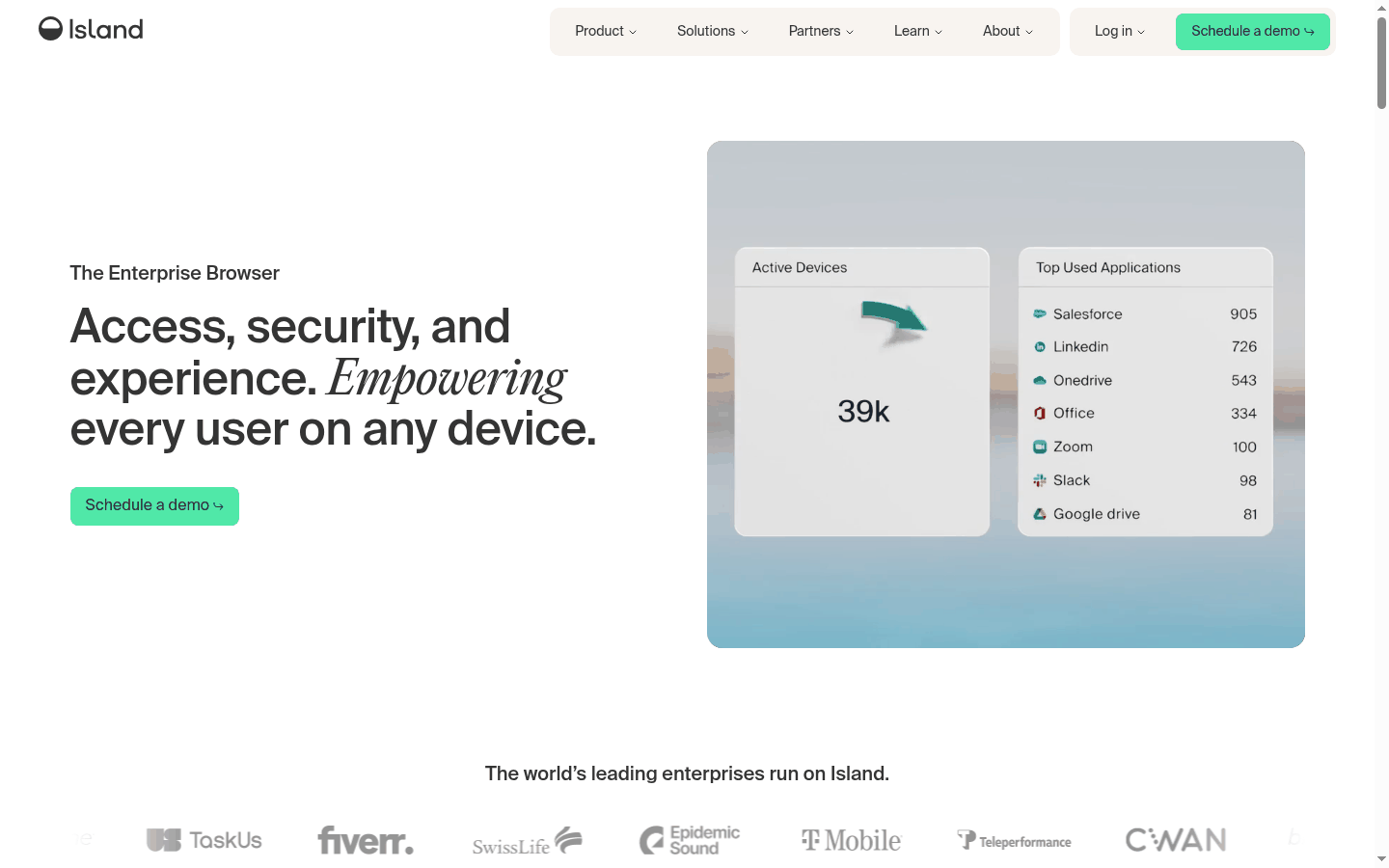
Island
Prisma Access Browser
Editions and pricing
Neither vendor publishes a spreadsheet-ready browser-only price on the public marketing pages we checked on 11 September 2026. Expect a commercial quote, then map modules to the surfaces you will actually mandate.
| Owner (2026) | Independent. Island Technology | Palo Alto Networks (Talon acquisition closed 28 Dec 2023) |
|---|---|---|
| How you buy it now | Enterprise quote for the work browser; Extension and Desktop ship as part of the broader Island Enterprise Platform story | Through Prisma Access / Prisma SASE packaging and Strata Cloud Manager onboarding; desktop browser, extension, and mobile paths |
| Public price table | No self-serve dollar SKU on island.io product pages (checked 11 Sep 2026) | No self-serve browser-only dollar SKU on public Prisma Browser pages (checked 11 Sep 2026) |
| What procurement should ask | Which surfaces are in scope (full browser vs extension), contractor onboarding model, and GenAI / desktop policy add-ons | Whether the browser SKU requires an existing Prisma Access relationship, which engines are included, and mobile/extension parity |
If the buying committee refuses another SASE vendor relationship, Island keeps the quote browser-first. If Prisma Access already owns identity and web policy, Prisma Access Browser is usually the shorter path to a signed order.
Last-mile controls and BYOD
| Primary surface | Work Chromium with identity, device posture, network, location, and app context evaluated in-browser | Work Chromium (plus extension and mobile) with last-mile DLP and GenAI controls tied to Prisma engines |
|---|---|---|
| Data controls | Print, download, screenshot, copy/paste, redaction, watermarking, and app boundaries on first-party pages | Clipboard, print, screenshots, typing, and Enterprise DLP classifiers; GenAI coaching called out in the 2.0 launch |
| BYOD / contractor path | Work profile without full MDM; private vs work separation; contractor onboarding without shipping laptops | Unmanaged-device workspace; deploy via simple invite without admin rights on the personal OS, per first-party FAQ |
| What teams argue about | Whether users will switch to a mandated work browser, or whether Extension coverage is enough | Whether unmanaged devices need the full browser binary vs the extension path Palo Alto discourages for unmanaged endpoints |
Practitioners already treat Talon and Island as the same category noun. The useful decision is which last-mile controls your operators will edit every week, and which admin console they already live in.
Prisma SASE packaging
| Stack gravity | Browser-first. Optional private access and platform surfaces without requiring Palo Alto elsewhere | Native to Prisma Access / Prisma SASE; WildFire, Enterprise DLP, identity, and ADEM-style ops sit nearby |
|---|---|---|
| Threat engines | Built-in malware, phishing, session-hijack, and man-in-the-browser defenses described on Island product pages | PANW AI-powered engines on encrypted traffic; Precision AI web defense called out in the Browser 2.0 announcement |
| Admin home | Island policy and analytics; SIEM export for work activity | Strata Cloud Manager activation, Prisma Browser docs, and the wider Prisma Access console path |
| What teams argue about | Whether Island’s own access and SASE-direction story replaces or complements an existing SASE vendor | Whether the browser SKU is worth it without standardizing more of the edge on Palo Alto |
Buy Prisma Access Browser when the browser should inherit engines and identity you already trust on Prisma Access. Buy Island when the mandate is a work browser and you refuse to reopen the SASE shortlist to get clipboard policy.
Where they overlap
Both ship Chromium work browsers with BYOD and contractor stories, last-mile DLP, GenAI guardrails, VDI-reduction pitches, and extension options for users who will not switch browsers on managed devices. Overlap is the category. It is not proof the invoice, admin console, or threat stack will feel the same after rollout.
When to use both
Running both is rare. It only pays when jobs stay split on purpose: for example Island for a contractor population that must stay off the Prisma path, while Prisma Access Browser covers employees already on Prisma Access. That is complementary coverage, not two copies of the same work browser.
Skip Prisma Access Browser for this pair if the committee needs an independent dedicated browser and will not open a Palo Alto SASE relationship. Skip Island for this pair if Prisma Access already owns web policy and the operators want the browser module on that same invoice.
Decide the packaging first. If the product must be a dedicated enterprise browser you can buy without Prisma Access, that is Island. If the product must be the work browser inside Prisma SASE, that is Prisma Access Browser. Only then open the quotes.
FAQs
Is Prisma Access Browser the same as Talon?
Talon Cyber Security built the enterprise browser Palo Alto Networks acquired (close announced 28 December 2023). First-party Palo Alto pages now ship the product as Prisma Access Browser / Prisma Browser inside Prisma SASE. Evaluate current Palo Alto packaging, not the old Talon SKU.
Do Island and Prisma Access Browser both require users to switch browsers?
Both offer a full work browser and an extension path for consumer browsers. First-party Island and Palo Alto pages still position the dedicated browser as the deeper control path, especially on unmanaged devices.
Is this a scored bake-off?
No. Order is editorial.
Which one fits if we already run Prisma Access?
Between these two, Prisma Access Browser is usually the shorter operational path because policy, identity, and threat engines already sit on that stack. Island still fits when a population must stay on an independent browser product.
Which one fits if we refuse another SASE vendor?
Island. The product is a dedicated enterprise browser and does not require a Prisma Access relationship to evaluate.

