Best Threat Hunting Platforms in 2026
Hypothesis-driven hunt for activity that never became an alert, in an EDR or XDR console, a SIEM, or a dedicated hunting product, not an MDR service and not an AI SOC queue.
CrowdStrike’s 2026 Threat Hunting Report, published on 3 Aug 2026, states that from January through June 2026, 88% of CrowdStrike-observed exploitation of vulnerabilities with a public proof of concept was conducted within 48 hours of the proof of concept’s release. That window is why teams hunt for activity that never became an alert, instead of waiting for a detection to fire.
A threat hunting platform, on this page, is the console or product where you run a hypothesis-driven search for activity that never became an alert. It is not the SIEM that indexes and detects, covered on our SIEM alternatives page. It is not an MDR service that hunts for you on a retainer, covered on our MDR platforms page. It is not an AI SOC product that triages the alert queue, covered on our AI SOC tools page.
This page compares CrowdStrike Falcon, Microsoft Defender Threat Hunting, Splunk, Elastic, Scanner, and Nebulock. Nebulock announced a USD 25M Series A on 25 Jun 2026. Its hunt-first capabilities are launch claims, stated on its own site rather than independently demonstrated.
How we evaluated
We read each vendor’s product pages, pricing or licensing pages, and public documentation on 12 Nov 2026, and checked each one against the same questions: where the hunt runs, which query language or hunt mode it documents, how far back a hunt can look, and how a finding can become a detection. Where public material does not cover a question, we write a plain statement of that gap.
| Tool | Best for | What to check |
|---|---|---|
| EDR and XDR consoles | ||
| CrowdStrike Falcon | Hunt in the Falcon console you already run | CQL and Event Search, plus a hunting library in Next-Gen SIEM |
| Microsoft Defender Threat Hunting | Hunt in the Defender portal you already run | KQL advanced hunting, up to 30 days of native Defender data |
| SIEM hunting | ||
| Splunk | Hunt in the SIEM you already query | PEAK hypothesis-driven hunts and SPL in Enterprise Security |
| Elastic | Hunt in Timeline on the cluster you already query | ES|QL, EQL, and KQL, with Timeline templates that can attach to detection rules |
| Dedicated hunting products | ||
| Scanner | A security data lake for hunt and detection | Search years of logs in your object storage; USD 50k-95k per year at 250-500 GB/day |
| Nebulock | A hunt-first platform across tools you already run | TRACE Graph, Vespyr continuous hunts, and detections from hunt findings, as stated |
Falcon hunting
Defender hunting
Splunk
Elastic
Scanner
Nebulock
What each hunting platform actually does
Each cell reflects what the vendor documents publicly. A gap means the public material does not name it, not that the product cannot help.
| Question | CrowdStrike | Microsoft | Splunk | Elastic | Scanner | Nebulock |
|---|---|---|---|---|---|---|
| Buying group | EDR and XDR console | EDR and XDR console | SIEM hunting | SIEM hunting | Dedicated hunting product, security data lake | Dedicated hunting product, hunt-first platform |
| Query language or hunt mode | CrowdStrike Query Language in Advanced Event Search | KQL in guided or advanced mode | SPL, organized by the PEAK hunting framework | KQL, EQL, and ES|QL in Timeline | Query syntax similar to Splunk or Elasticsearch, plus a visual builder | Auto, Interactive, or Deep hunt modes, including a written hunt objective |
| Data you hunt in | Falcon endpoint telemetry, plus third-party data when Next-Gen SIEM is in the contract | Defender for Endpoint, Office 365, Cloud Apps, Identity, and connected Sentinel data | Data already indexed in Splunk | Security and telemetry indices already in Elastic | Logs already in your Amazon S3 buckets | Endpoint, identity, cloud, and SaaS tools you already run, plus Helix just-in-time queries |
| How far back a hunt can look | Extended retention and federated search of an external store, as documented for Next-Gen SIEM | 30 days of native Defender data, or the connected Sentinel workspace retention | The retention you already pay for in Splunk | The retention you already pay for; Serverless bills per retained GB per month | Years of logs, with no time-based retention limit, as stated | A fixed public retention window is not published; hunts run across connected telemetry, as stated |
| Public price with a unit | Quoted with the Falcon contract; no standalone hunting rate | USD 60.00 per user per month, paid yearly, for Microsoft 365 E5, which includes Defender XDR | Quoted; no public dollar rate for Enterprise Security | As low as USD 0.09 per ingested GB on Security Analytics Essentials Serverless | USD 50,000-95,000 per year for 250-500 GB/day, Multi-Tenant Managed | Quoted; no public dollar rate |
Worked example: a public proof of concept, the first 48 hours, then farther back
A vulnerability with a public proof of concept is published. You want to hunt for related activity in the first 48 hours, then look farther back if the tool can, and turn a useful hunt into a standing detection. Each cell is what the vendor documents for that step.
| Step | CrowdStrike | Microsoft | Splunk | Elastic | Scanner | Nebulock |
|---|---|---|---|---|---|---|
| Buying group | EDR and XDR console | EDR and XDR console | SIEM hunting | SIEM hunting | Dedicated hunting product, security data lake | Dedicated hunting product, hunt-first platform |
| Hunt the first 48 hours | CQL in Advanced Event Search or Next-Gen SIEM over recent Falcon and, if licensed, third-party events | A KQL hunt in guided or advanced mode over recent Defender events | An SPL search, as a PEAK hypothesis-driven hunt, over recent events in Splunk | An ES|QL, EQL, or KQL query in Timeline over recent security events | A full-text search over recent logs in the object-storage lake | Give the vulnerability or report as a hunt objective in Auto or Interactive mode |
| Look farther back than 48 hours | Extended retention and federated search of an external store, as documented for Next-Gen SIEM | Up to 30 days of native Defender data, or longer in a connected Sentinel workspace | Whatever retention you already bought in Splunk | Whatever retention you already pay for on the Elastic cluster | Years of indexed logs in object storage, with no time-based retention limit as stated | Hunts run across connected telemetry; a fixed public lookback window is not published |
| Turn the hunt into a standing detection | Reuse a saved CQL search or a query from the pre-built hunting library | Build a custom detection rule from the same hunting query | The Act phase in PEAK documents creating detections from a hunt, including in Enterprise Security | Attach a Timeline template to a detection rule so later alerts open with the same filters | Create a detection rule on the Detect and Respond surface and search history for the same indicators | Create and deploy a detection rule from the hunt, as documented |
CrowdStrike Falcon
Best for hunt in a Falcon console you already run
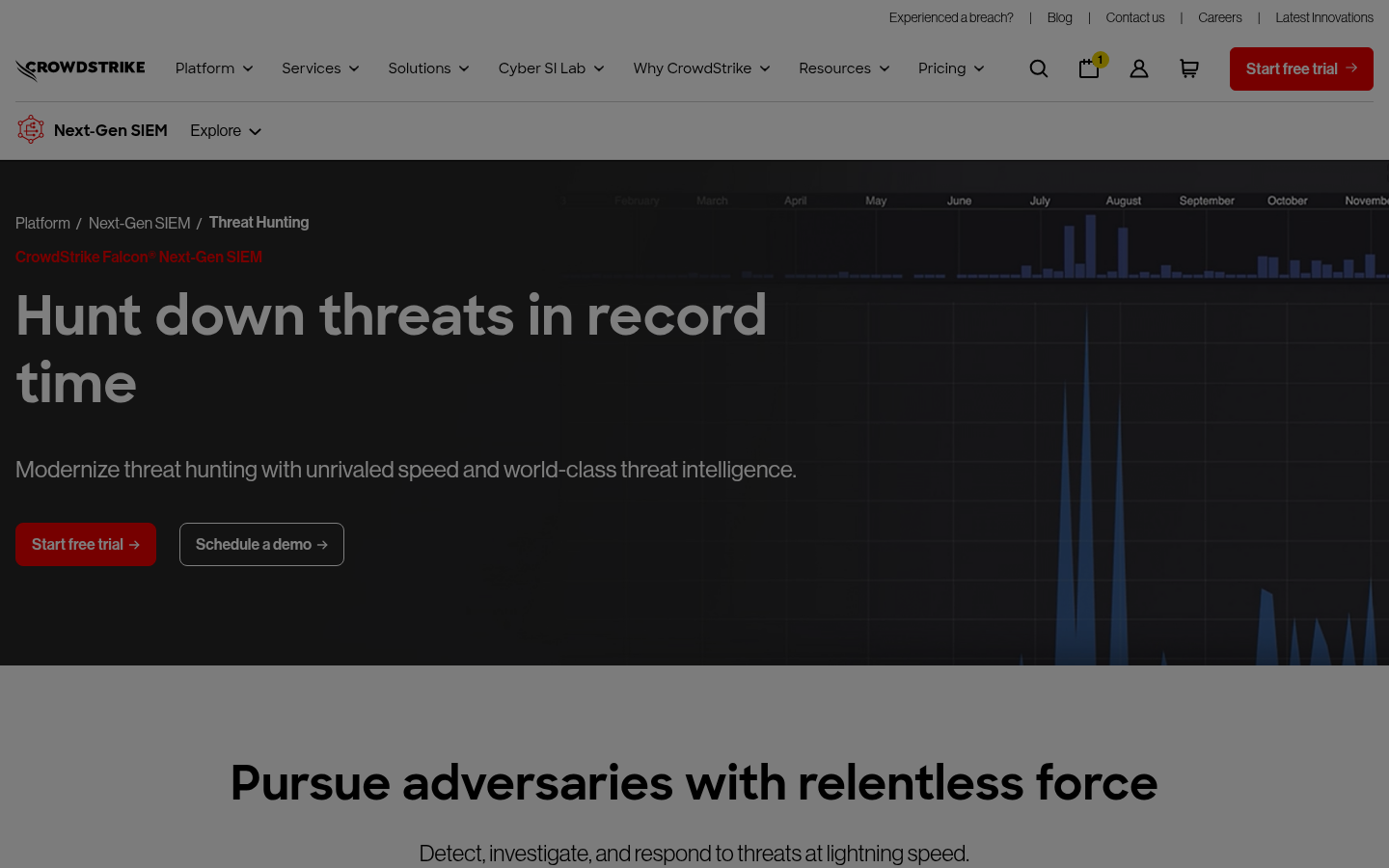
CrowdStrike Falcon hunting, on this page, is the query surface in the platform you already run. Analysts search endpoint telemetry with CrowdStrike Query Language in Advanced Event Search, and Threat Graph is the store that answers those queries. The Next-Gen SIEM hunting page documents the same CQL for live and historical search across Falcon and third-party data, a pre-built hunting library, and extended retention, including an external store reached by federated search.
This entry is the hunt you run yourself in Falcon. It is not Falcon Complete and not OverWatch, which are managed services compared on our MDR platforms page. Our XDR tools page covers Falcon Insight XDR as a detection and response platform.
Key features:
- CrowdStrike Query Language in Advanced Event Search
- Threat Graph search across current and historical endpoint telemetry
- Pre-built hunting library and live plus historical search in Next-Gen SIEM
- Extended retention, including federated search of an external store, as documented
Why we like it:
CQL in the Falcon console you already run is the documented way to test a hypothesis against endpoint telemetry without waiting for a new alert.
Limits:
Public material does not list a standalone dollar rate for hunting. Next-Gen SIEM hunting features such as the pre-built library and multi-year retention depend on that module being in the contract, not on every Falcon SKU.
License or pricing: CrowdStrike does not publish a standalone dollar rate for Falcon hunting or for Next-Gen SIEM hunting. Price is quoted with the Falcon contract.
Microsoft Defender Threat Hunting
Best for KQL hunting in the Defender portal you already run
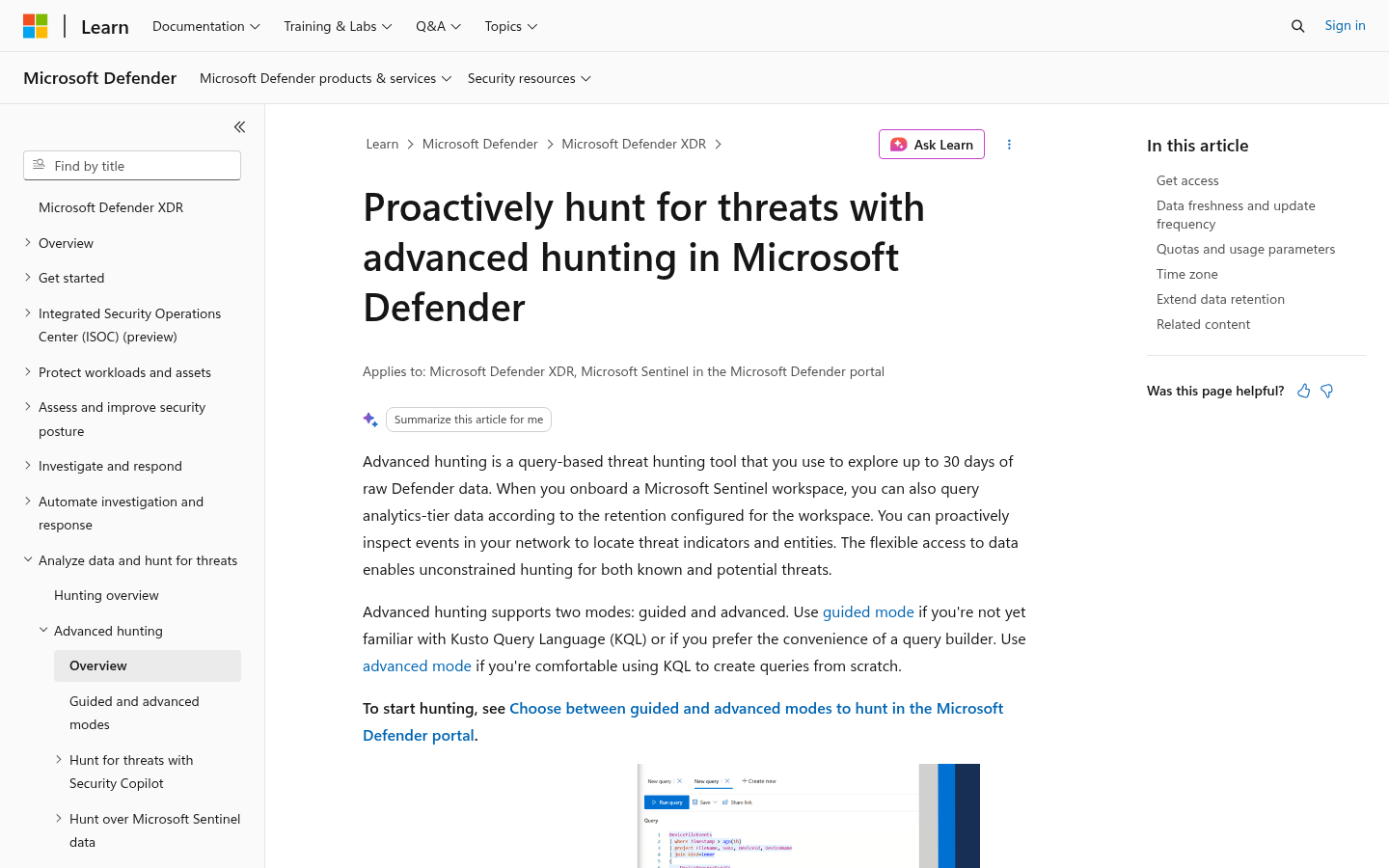
Microsoft Defender Threat Hunting, on this page, is advanced hunting in the Microsoft Defender portal. Microsoft Learn documents a query-based tool for exploring up to 30 days of raw Defender data in Kusto Query Language, in guided or advanced mode, across Defender for Endpoint, Office 365, Cloud Apps, and Identity. When a Microsoft Sentinel workspace is connected, the same page lets you query that workspace for the retention configured there. The same hunting queries can be turned into custom detection rules that run automatically.
This entry is the hunt query you write. It is not Microsoft Defender Experts, which sits on our MDR platforms page, and it is not Security Copilot’s work on the alert queue, which sits on our AI SOC tools page. Our XDR tools page covers Defender XDR as the combined incident and attack-disruption console.
Key features:
- KQL in guided and advanced modes in the Defender portal
- Up to 30 days of native Defender data per query
- Queries across Defender for Endpoint, Office 365, Cloud Apps, Identity, and connected Sentinel data
- Custom detection rules built from the same hunting queries
Why we like it:
KQL advanced hunting in the portal you already use is the documented way to inspect raw Defender events and turn a useful hunt into a standing detection.
Limits:
Native Defender hunts stop at 30 days unless a Sentinel workspace is connected, in which case lookback follows that workspace’s analytics-tier retention. Each query can return up to 100,000 rows, can run for up to 10 minutes, and shares a tenant CPU quota that can block further queries until the next 15-minute cycle.
License or pricing: Advanced hunting is documented as part of Microsoft Defender XDR, which is included with eligible plans rather than sold as a standalone hunting SKU. Microsoft’s Defender pricing page, checked 12 Nov 2026, lists Microsoft 365 E5, a plan that includes Defender XDR, at USD 60.00 per user per month, paid yearly.
Splunk
Best for hypothesis-driven hunt in a Splunk SIEM you already query
Splunk hunting, on this page, is hypothesis-driven search in the SIEM you already query. The PEAK Threat Hunting Framework, published by SURGe at Splunk, defines hunting as a manual or machine-assisted process intended to find security incidents missed by automated detection, and organizes hunts into hypothesis-driven, baseline, and model-assisted types, each with Prepare, Execute, and Act phases. Hunts run in Splunk’s Search Processing Language. In Enterprise Security, event-based and finding-based detections can encode a pattern you already proved in a hunt, and Mission Control is the investigation surface for those findings.
This is hunt inside the SIEM, not a replacement for the SIEM itself, and not the ingest path covered on our security data pipeline tools page. Use our SIEM alternatives page when the job is the detection console rather than the hunt you run in it.
Key features:
- PEAK framework: hypothesis-driven, baseline, and model-assisted hunts
- Prepare, Execute, and Act phases, including turning hunts into detections
- SPL search across data already in Splunk
- Enterprise Security detections and Mission Control investigations
Why we like it:
A documented hunting framework plus SPL in the SIEM you already pay for is the way to test a hypothesis and then encode a useful hunt as a detection.
Limits:
Splunk does not publish a standalone dollar rate for Enterprise Security or for hunting. Lookback is whatever retention you already bought. PEAK is a methodology; the product work still happens in the Splunk search and Enterprise Security you run.
License or pricing: Splunk does not publish a public dollar rate for Enterprise Security. Licensing is by daily indexing volume or workload, and price is quoted.
Elastic
Best for Timeline hunting on an Elastic cluster you already query
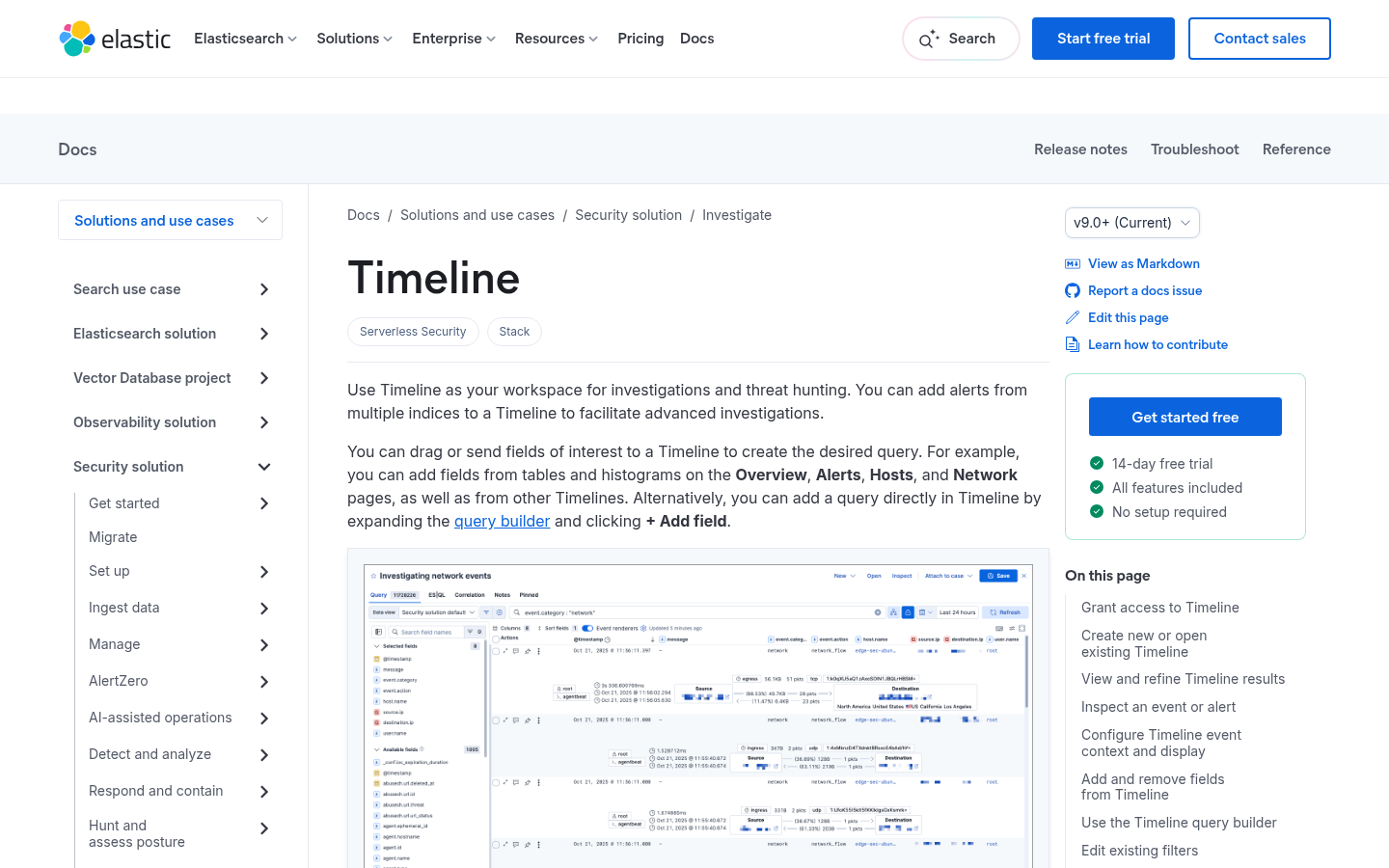
Elastic hunting, on this page, is the investigation workflow in Elastic Security, not the broader SIEM alternative cut on our SIEM alternatives page. Elastic documents Timeline as the workspace for investigations and threat hunting, where you add alerts and events from multiple indices and query them with KQL, EQL, or ES|QL. The Correlation tab runs EQL sequence queries to match ordered events, and the ES|QL tab supports pipe-based exploration. Elastic also publishes a threat hunting tutorial with ES|QL. Timeline templates can be attached to detection rules so a later alert opens with the same filters.
Lookback is the retention you already pay for on that cluster. On Elastic Cloud Serverless, that retention is billed per GB per month.
Key features:
- Timeline as the workspace for investigations and threat hunting
- KQL, EQL sequence queries, and ES|QL in the same workspace
- Published ES|QL threat-hunting tutorial
- Timeline templates that can attach to detection rules
Why we like it:
Timeline plus ES|QL is the documented way to reconstruct an attack path in data you already keep in Elastic, and to reuse that hunt when a detection later fires.
Limits:
This is hunt inside Elastic Security, not a separate hunting SKU. Serverless pricing is a floor (“as low as”) and still meters ingest and retention, so a long lookback is a storage cost, not a free archive.
License or pricing: Elastic’s Security Serverless pricing page, checked 12 Nov 2026, lists Security Analytics Essentials ingest as low as USD 0.09 per ingested GB and retention as low as USD 0.017 per retained GB per month. Security Analytics Complete is listed as low as USD 0.11 per ingested GB and USD 0.019 per retained GB per month. The same page states those prices took effect on 1 Nov 2025.
Scanner
Best for a security data lake that searches years of logs for hunt and detection
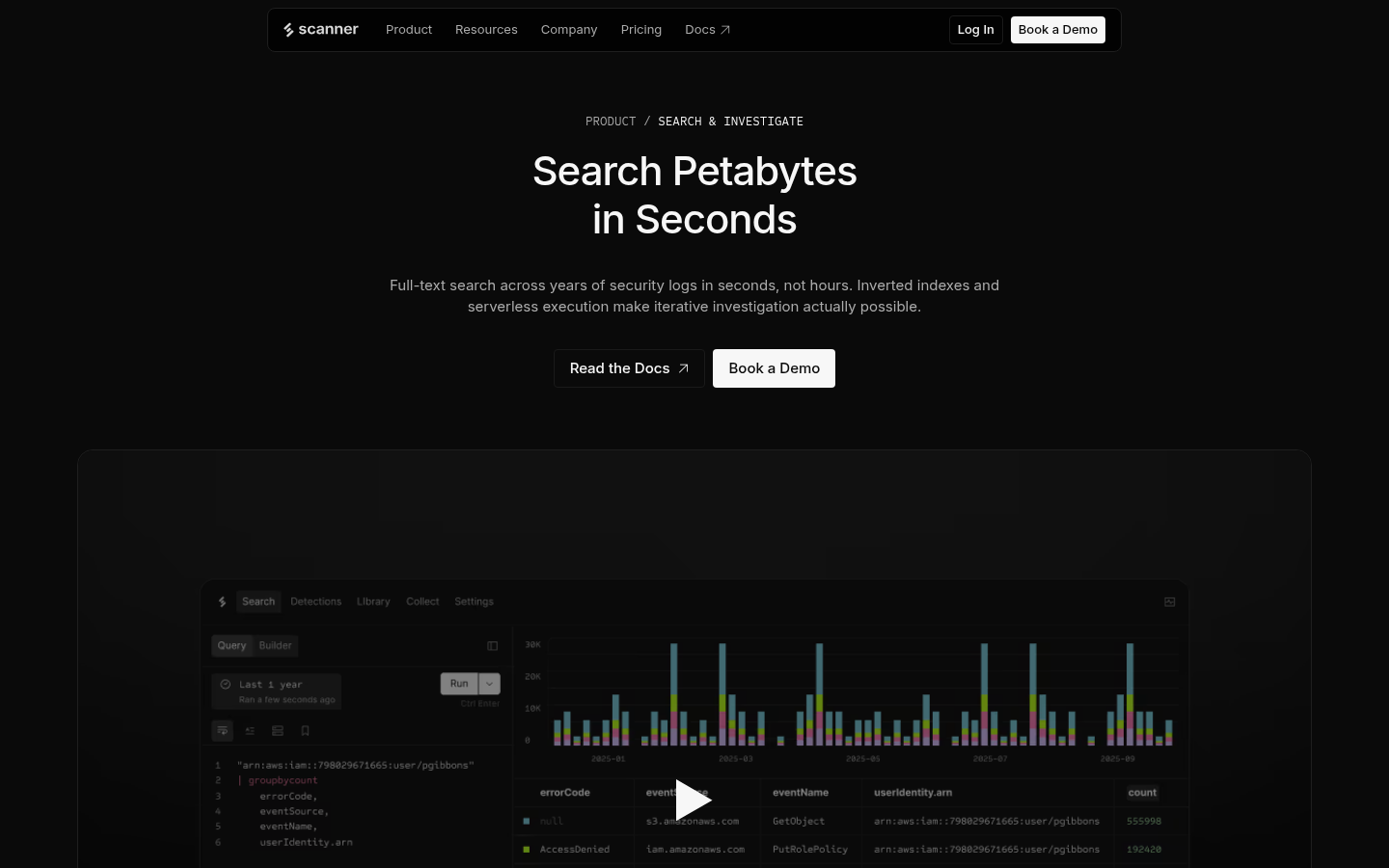
Scanner documents a security data lake for hunt and detection, not a replacement for the SIEM alternatives page. The Search and Investigate page describes inverted indexes built when logs arrive in Amazon S3, full-text search across years of security logs, and a query syntax similar to Splunk or Elasticsearch, with a visual query builder as an option. The same page states there are no retention limits or time-based pricing, and that customers search two to three years of logs. Data stays in the customer’s object storage.
That is the dedicated search-and-lake path on this list: hunt by iterating quickly across history that often never made it into a 30-day SIEM window. Scanner also documents detection rules on a separate Detect and Respond surface. It is not an EDR console and not a managed hunting service.
Key features:
- Inverted indexes on logs in your Amazon S3 buckets
- Full-text search across years of logs, with no time-based retention limit as stated
- Query syntax similar to Splunk or Elasticsearch, plus a visual query builder
- Detection rules documented on the Detect and Respond surface
Why we like it:
A lake that keeps years of logs searchable in your own object storage is the documented way to hunt past the retention window of a SIEM or an EDR console.
Limits:
Scanner is a search and detection layer on data you already store, not an EDR agent and not a 24/7 managed hunt team. Public pricing examples are annual ranges by daily log volume, not a single per-GB list price.
License or pricing: Scanner’s pricing page, checked 12 Nov 2026, lists example annual costs by daily log volume: USD 50,000 to 95,000 per year for 250-500 GB/day on Multi-Tenant Managed Scanner, and USD 112,000 to 275,000 per year for 500 GB-2 TB/day on Single-Tenant Managed Scanner. Volumes from 2 TB/day are listed as Bring Your Own Cloud, with no public dollar rate.
Nebulock
Best for a hunt-first platform across tools you already run
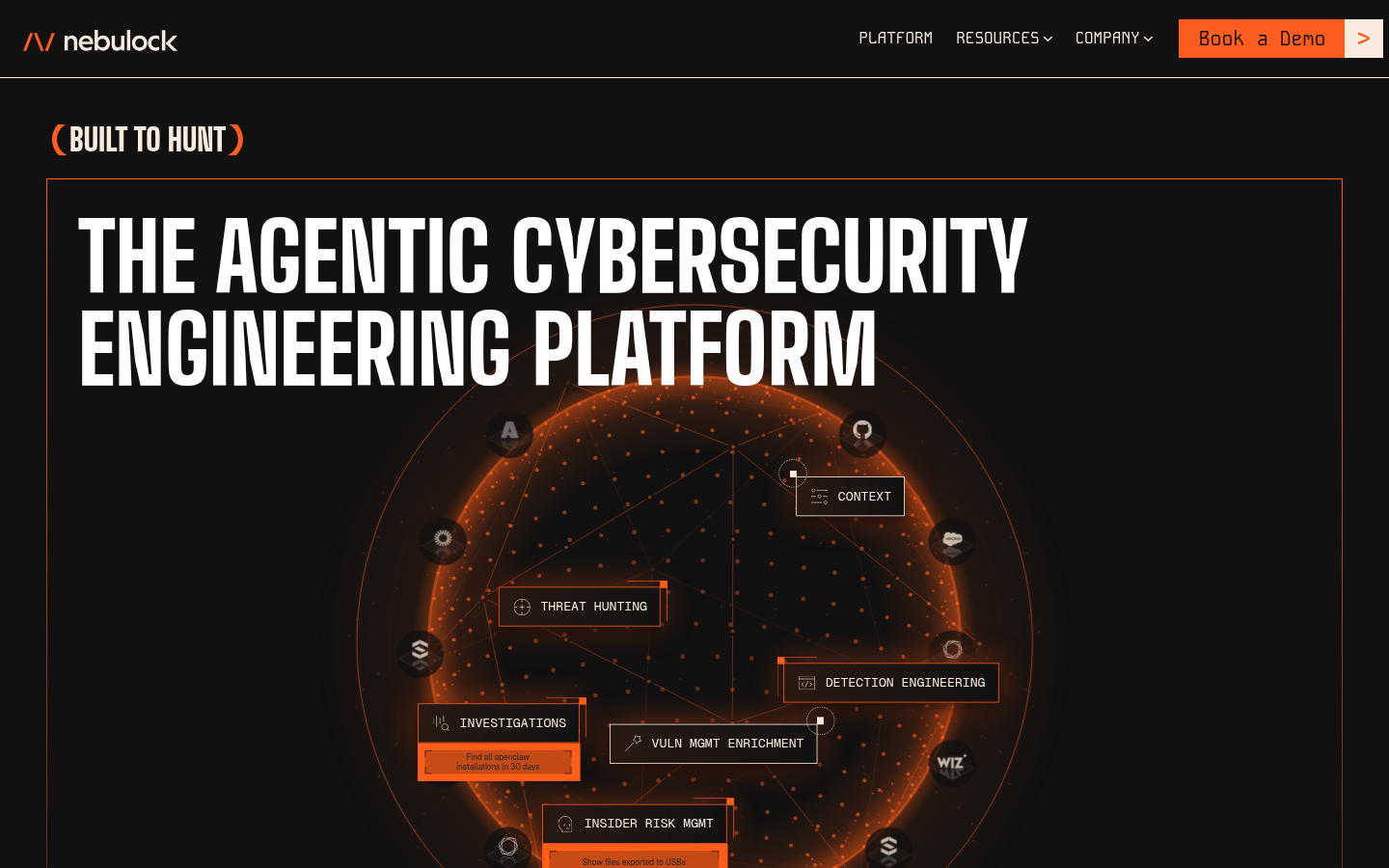
Nebulock documents a hunt-first platform that runs across endpoint, identity, cloud, and SaaS tools you already have, rather than a new SIEM or an EDR console. The product site describes the TRACE Graph as a behavioral system of record, and Vespyr as the agent that runs continuous hunts. Hunt-mode docs describe Auto, Interactive, and Deep modes: you give a hunting objective, and the assistant researches context, runs investigations, and can stop for approval in Interactive mode. Docs also describe creating and deploying detection rules from hunt work, and Helix as just-in-time queries of tools you already run, without pre-ingesting that data, starting with vulnerability-management platforms.
This is a dedicated hunt-first product, not hunt inside CrowdStrike, Microsoft, Splunk, or Elastic, and not an MDR retainer. Capabilities are stated on Nebulock’s own site.
Key features:
- TRACE Graph as a behavioral system of record across existing tools
- Vespyr continuous hunts, with Auto, Interactive, and Deep hunt modes
- Detection rules created from hunt findings, as documented
- Helix just-in-time queries of existing tools, starting with vulnerability management
Why we like it:
A hunt-first workflow that starts from a hypothesis or a threat report, then can become a detection, is the documented alternative to waiting for an alert in a console you already run.
Limits:
Public material does not list a dollar rate or a fixed retention window. Helix is documented first for vulnerability-management providers, with most of those connectors still in beta.
License or pricing: Nebulock does not publish a public dollar rate. Price is quoted.
How to choose a threat hunting platform
- If you already run an EDR or XDR and want to hunt in that console. CrowdStrike Falcon documents Advanced Event Search and CQL hunting in the Falcon platform, including a hunting library when Next-Gen SIEM is in the contract. Microsoft Defender Threat Hunting is advanced hunting in the Defender portal: KQL in guided or advanced mode, and custom detections built from those queries.
- If you already hunt in a SIEM. Splunk documents hypothesis-driven hunting in Enterprise Security, including the PEAK framework of Prepare, Execute, and Act with Knowledge. Elastic documents Timeline as the workspace for investigations and threat hunting, with ES|QL, EQL, and KQL.
- If you need a dedicated hunting product rather than a console you already run. If your logs already sit in S3 and you need years of lookback, start with Scanner. If you want hunts run as a workflow across the tools you already have, start with Nebulock.
- Keep MDR, SIEM, and AI SOC on their own lists. Managed hunting and complete MDR offers, including Defender Experts, sit on our MDR platforms page. The SIEM and the AI SOC queue have their own lists; use this shortlist for the hunt console or the dedicated hunt product.
What we left out
- Falcon OverWatch: a managed threat hunting service, not the console you query yourself. The managed-service job is on our MDR platforms page.
- Falcon Complete: already covered on that MDR page as a 24/7 managed detection and response service.
- Microsoft Defender Experts: analysts on the incident queue, already on the MDR platforms page.
- Huntress: an MDR service, already on that page, not a hunt console you operate.
- SentinelOne: hunting in the Singularity console, including Purple AI. The EDR and XDR console job is already covered by the two console entries above; Purple AI’s alert-investigation motion sits closer to our AI SOC tools page.
- Palo Alto Cortex XDR: query-driven hunting with XQL in another EDR and XDR console. That console job is already covered above.
- Carbon Black: an EDR hunting console. The same console job is already covered above.
- Google Security Operations: hunt in a SIEM you already run. The SIEM-hunting job is already covered by the two SIEM entries above.
- Hunters: an AI-assisted SOC platform for detection, triage, and investigation. That buying motion is on our SIEM alternatives and AI SOC tools pages.
- Velociraptor: open-source endpoint collection and hunt, already covered on our XDR tools page, not a commercial hunting platform in this shortlist.
- Humio: acquired and now sold as Falcon LogScale inside the Falcon platform compared above, so evaluate it with that vendor.
- Endgame: an endpoint product Elastic acquired in 2019 and folded into Elastic Security, compared above.
- Sqrrl: a graph-based hunting platform AWS acquired; the standalone product is no longer sold, so evaluate hunting in AWS security services with that vendor.
What public docs say about hunting for activity that never alerted
The argument is not whether you already have a SIEM or an EDR. It is how you search for activity that automated detections missed, and how far back that search can go.
Microsoft Learn, Advanced hunting overview in Microsoft Defender
“Advanced hunting is a query-based threat hunting tool that you use to explore up to 30 days of raw Defender data.”
The same page documents guided and advanced modes in KQL, queries across Defender workloads and a connected Sentinel workspace, and custom detection rules built from those hunting queries.
Elastic Docs, Timeline
“Use Timeline as your workspace for investigations and threat hunting.”
The same page documents KQL, EQL sequence queries on the Correlation tab, and ES|QL in the same workspace, which is why Elastic sits in the SIEM-hunting group on this list.
Splunk SURGe, Introducing the PEAK Threat Hunting Framework, 18 Apr 2023
“Any manual or machine-assisted process intended to find security incidents missed by an organization’s automated detection systems.”
The same article organizes hunts into hypothesis-driven, baseline, and model-assisted types, each with Prepare, Execute, and Act phases, including turning hunts into detections.
Choose an EDR or XDR console when you already run CrowdStrike or Microsoft and want to hunt there, and a SIEM when you already query Splunk or Elastic. When those platforms are not enough, match the dedicated product to the gap you actually have. Nebulock is launch-stage: pilot it against a week of your own telemetry before you treat its findings as coverage.
FAQs
What is a threat hunting platform, and how is it different from a SIEM?
A threat hunting platform is the console or product where you run a hypothesis-driven search for activity that never became an alert. A SIEM indexes telemetry and runs detections; you may also hunt in that SIEM, which is why Splunk and Elastic appear here. The SIEM job itself is covered on our SIEM alternatives page. This shortlist is the hunt, not the replacement SIEM.
Is threat hunting the same as MDR?
No. MDR is a 24/7 managed service that detects and responds for you, compared on our MDR platforms page, including Falcon Complete and Microsoft Defender Experts. A hunting platform is the console or product your own analysts use to test a hypothesis. Managed hunting services such as OverWatch belong with MDR, not in this shortlist.
How is this different from an AI SOC tool?
An AI SOC product works the alert queue: triage, investigation summaries, and suggested next steps, compared on our AI SOC tools page. A hunting platform is where you search for activity that never became an alert. Some vendors sell both motions; the queue and the hunt are still different jobs.
If we already run an EDR or a SIEM, do we still need a dedicated hunting product?
Not automatically. CrowdStrike Falcon and Microsoft Defender Threat Hunting document hunt in a console you already run, and Splunk and Elastic document hunt in a SIEM you already query. A dedicated product is the fit when that console or SIEM cannot search the history or the sources you need: Scanner documents a security data lake for years of logs, and Nebulock documents a hunt-first platform across tools you already have.
How far back can these tools hunt?
Microsoft advanced hunting queries up to 30 days of native Defender data, or the analytics-tier retention of a connected Sentinel workspace. Splunk and Elastic hunt in the retention you already pay for in that SIEM. CrowdStrike documents extended retention and federated search when Next-Gen SIEM is in the contract. Scanner documents search across years of logs in object storage, with no time-based retention limit as stated. Nebulock does not publish a fixed public retention window.
What does public pricing look like in this category?
Microsoft 365 E5, a plan that includes Defender XDR and therefore advanced hunting, is listed at USD 60.00 per user per month, paid yearly, on Microsoft’s Defender pricing page, checked 12 Nov 2026. Elastic Security Serverless lists Security Analytics Essentials ingest as low as USD 0.09 per ingested GB, checked the same day. Scanner lists USD 50,000 to 95,000 per year for 250-500 GB/day on Multi-Tenant Managed Scanner. CrowdStrike, Splunk, and Nebulock do not publish a standalone hunting rate; those are quoted.