Best Application Control Tools in 2026: Deny-by-Default Allowlisting Compared
Five tools: four that allowlist at execution time, plus one newer product that discovers and removes software instead of blocking each launch.
ThreatLocker says its agent recognizes more than 16,000 apps the moment it installs. That number targets the reason most teams never turned on application control: building the allowlist by hand.
The control itself is simple. Only approved code runs, and everything else is blocked when it tries to start. Australia’s Essential Eight lists it as one of its 8 mitigation strategies, and Airlock Digital v7.0 adds Trust Builder recommendations to move teams from audit mode to enforcement.
This list leads with four tools that decide at execution time: ThreatLocker, Airlock Digital, Microsoft App Control for Business, and Santa. Glow, out of stealth in July 2026, is a different kind of control: it inventories software and removes what policy rejects. It is placed last, in its own section, because it does not document blocking an unknown binary at launch and its capabilities are launch claims, not independently demonstrated.
How we evaluated
We read each vendor’s product pages, release notes, repositories, and documentation on 14 Oct 2026, and checked each one against the same questions: which operating systems it covers, how the initial allowlist is built, how users request new software, whether it handles scripts and AI tools, and how it is licensed. Where public material does not cover a question, we write “not documented”.
| Tool | Best for | What to check |
|---|---|---|
| ThreatLocker Allowlisting | Deny-by-default allowlisting with a user request popup | Windows, macOS, Linux · quote |
| Airlock Digital | Audited allowlisting with Trust Builder recommendations and exceptions | Windows, macOS, Linux · v7.0 · quote |
| Microsoft App Control for Business | Built-in Windows code integrity policy | Windows only · included in Windows |
| Santa | Binary authorization for macOS | macOS only · Apache-2.0 |
| Glow | Software inventory with allow or remove policy (not execution-time blocking) | Launched Jul 2026 · quote |
ThreatLocker
Airlock
App Control
Santa
Glow
Execution-time blockers side by side
Four tools decide when code tries to run. The differences that matter in rollout are operating system coverage, how exceptions reach an approver, and whether the tool works offline.
| ThreatLocker | Airlock Digital | App Control for Business | Santa | |
|---|---|---|---|---|
| Operating systems | Windows, macOS 12.6.2+, Linux (64-bit, no ARM) | Windows (XP SP3 to 11, Server 2003 to 2025), macOS 10.15+, 64-bit Linux | Windows | macOS |
| Starting allowlist | Automatic catalog of installed apps, 16,000+ pre-built apps recognized | Audit mode with Trust Builder recommendations | Audit mode, trust by signer, hash, path, or managed installer | Monitor mode before lockdown |
| User exceptions | Request popup, approved by IT or ThreatLocker’s Cyber Hero team | One-time passwords and self-service exceptions | No built-in user request workflow | No built-in user request workflow |
| Offline or air-gapped | Self-hosted option for air-gapped servers on a case-by-case basis | Offline mode for low-connectivity and air-gapped sites | Policy enforced locally by Windows | Rules enforced locally, sync server for central rules |
| Price | Quote | Quote | Included in Windows | Free under Apache-2.0 |
Operating system details come from ThreatLocker’s minimum system requirements and Airlock Digital’s FAQ.
ThreatLocker Allowlisting
Best for fast deny-by-default rollouts with a managed request service
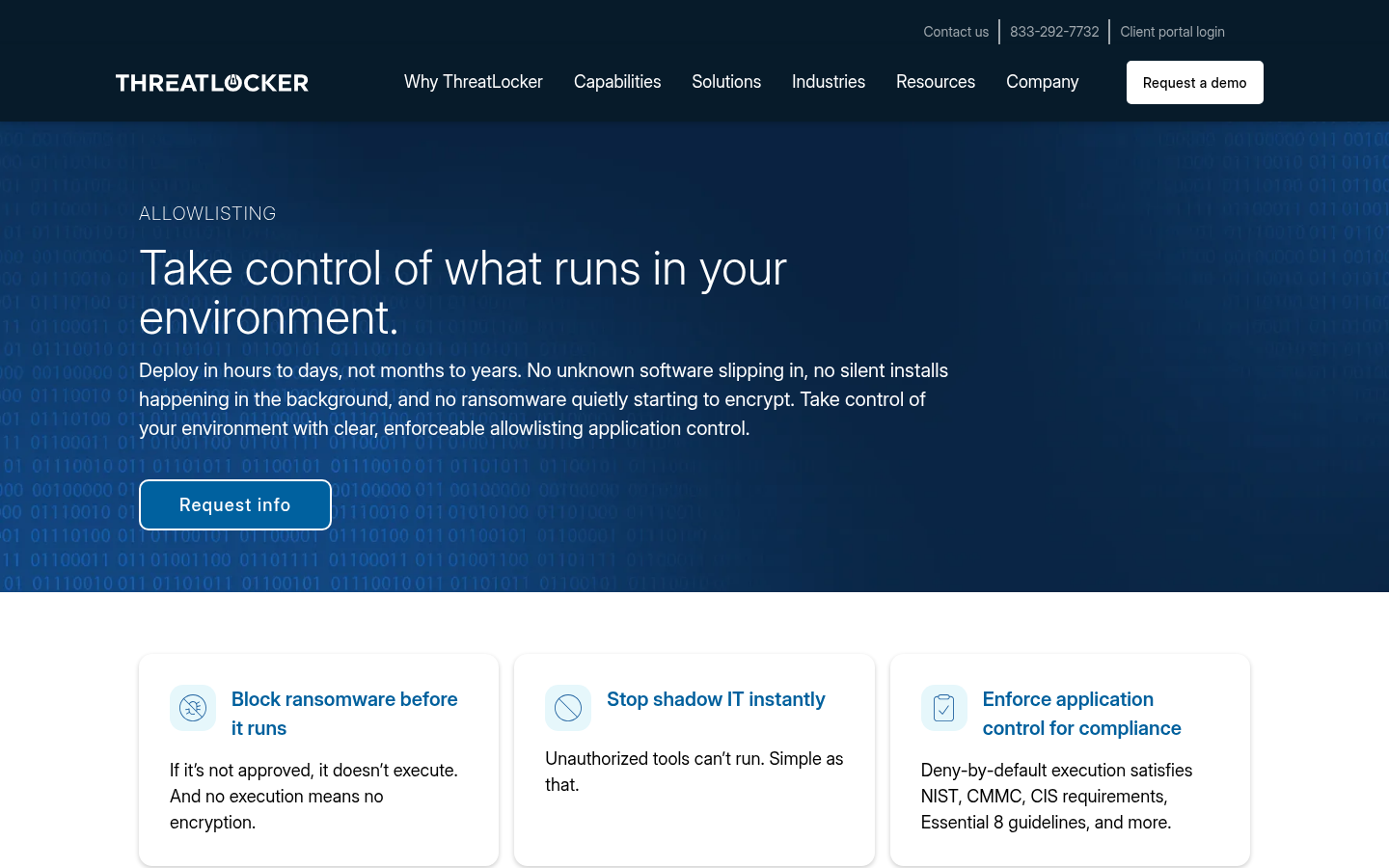
ThreatLocker’s agent catalogs apps and dependencies on install, recognizes more than 16,000 pre-built apps, and suggests policy. Once enforced, unapproved apps, scripts, and libraries cannot run.
Users request new software through a popup. IT can approve it, or ThreatLocker’s Cyber Hero team handles requests, which ThreatLocker says takes about 60 seconds.
Key features:
- Automatic app and dependency catalog
- Deny-by-default for apps, scripts, and libraries
- User request popup and managed approvals
- Time-limited policies
Why we like it:
It removes most of the allowlist-building work and offers someone else to answer requests.
Limits:
Pricing is not published. Heavy reliance on the vendor’s request team is a dependency to weigh.
License or pricing: Commercial. No public pricing. Sold by quote.
Airlock Digital
Best for regulated environments that need audited allowlisting across Windows, macOS, and Linux
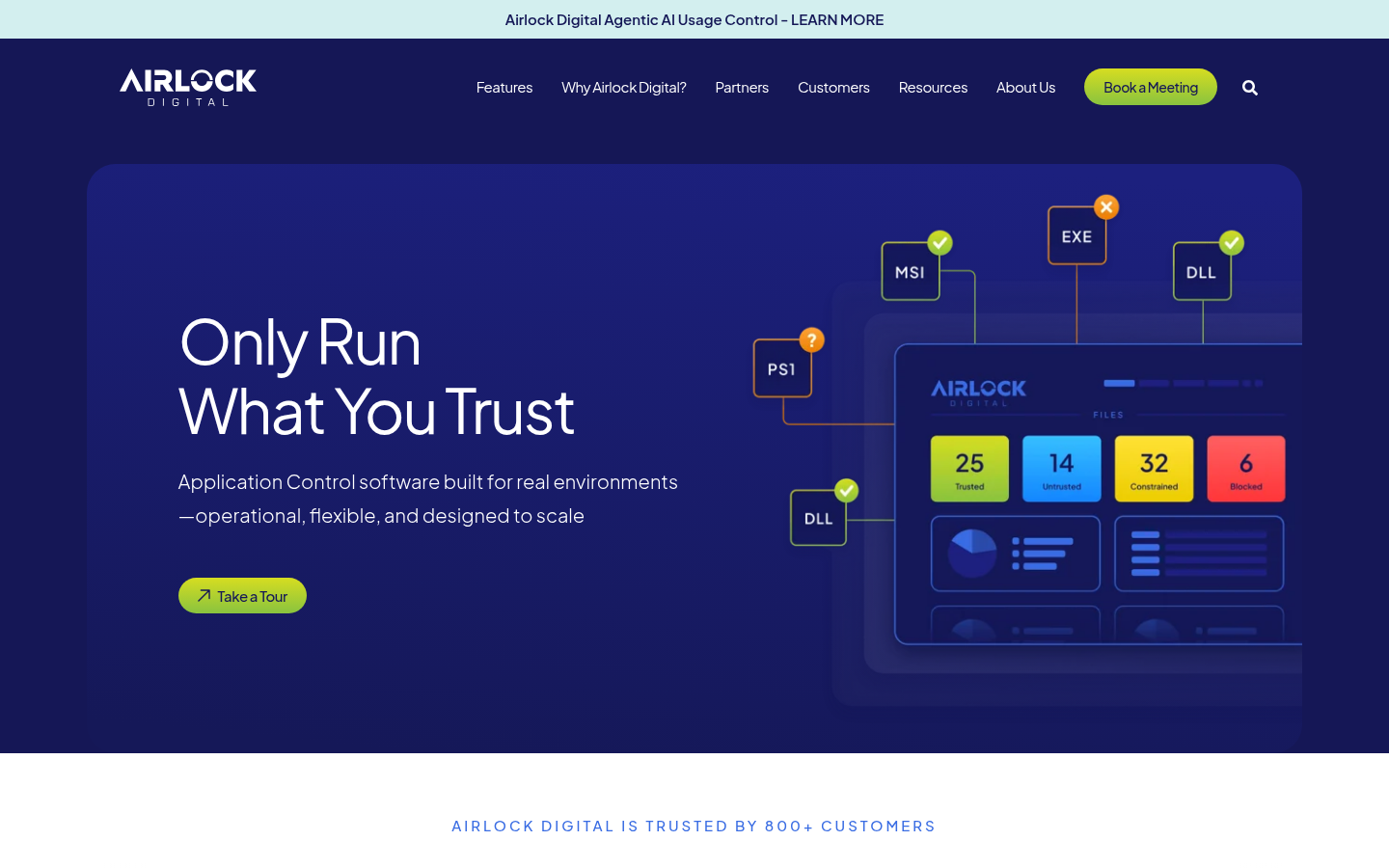
Airlock Digital released v7.0 in June 2026, adding application-level visibility, Trust Builder recommendations, application and process elevation control, and policy testing.
Its enforcement agent supports Windows, Linux, and macOS, including legacy Windows versions, and it can run in an offline mode for low-connectivity and air-gapped sites. Exceptions can be granted with one-time passwords or self-service requests.
Key features:
- Allowlisting for Windows, macOS, and Linux
- Trust Builder recommendations
- Elevation control for apps and processes
- Policy-scoped administration and REST API
Why we like it:
Its one-time passwords and self-service exceptions let a blocked user get a legitimate app approved without disabling enforcement.
Limits:
Pricing is not published.
License or pricing: Commercial. No public pricing.
Microsoft App Control for Business
Best free option for Windows fleets with Intune or Group Policy
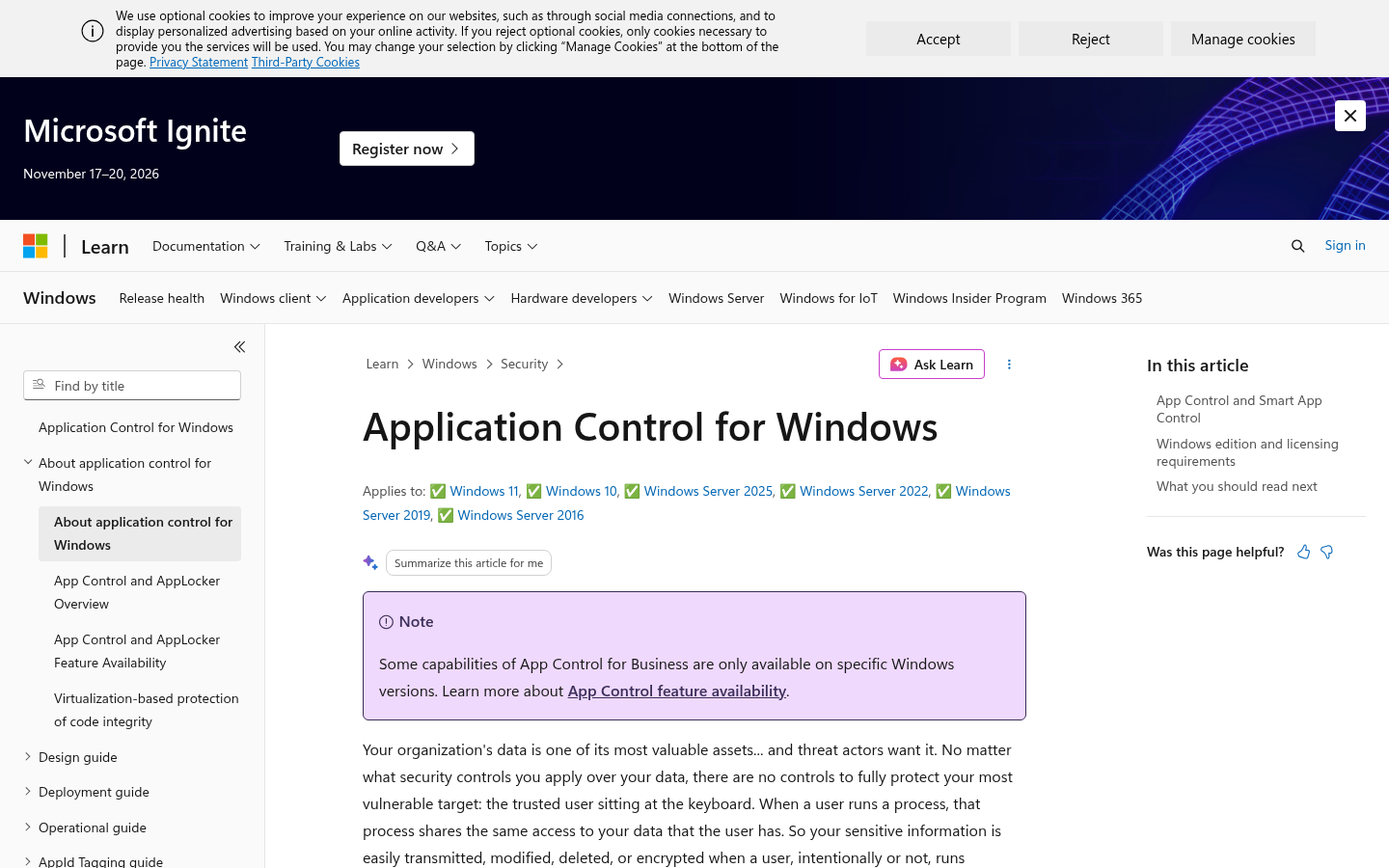
App Control for Business, formerly Windows Defender Application Control, enforces code integrity policy in the Windows kernel. It can trust apps by signer, hash, path, or managed installer, and is deployed through Intune, Group Policy, or scripts.
AppLocker is still available for simpler per-user rules.
Key features:
- Kernel-level code integrity policy
- Managed installer trust
- Intune and Group Policy deployment
- Audit mode before enforcement
Why we like it:
No license cost, and it is the strongest native control on Windows.
Limits:
Windows only. Building and maintaining policy XML takes skill, and there is no built-in user request workflow.
License or pricing: Included in Windows. No separate charge.
Santa
Best free option for macOS fleets
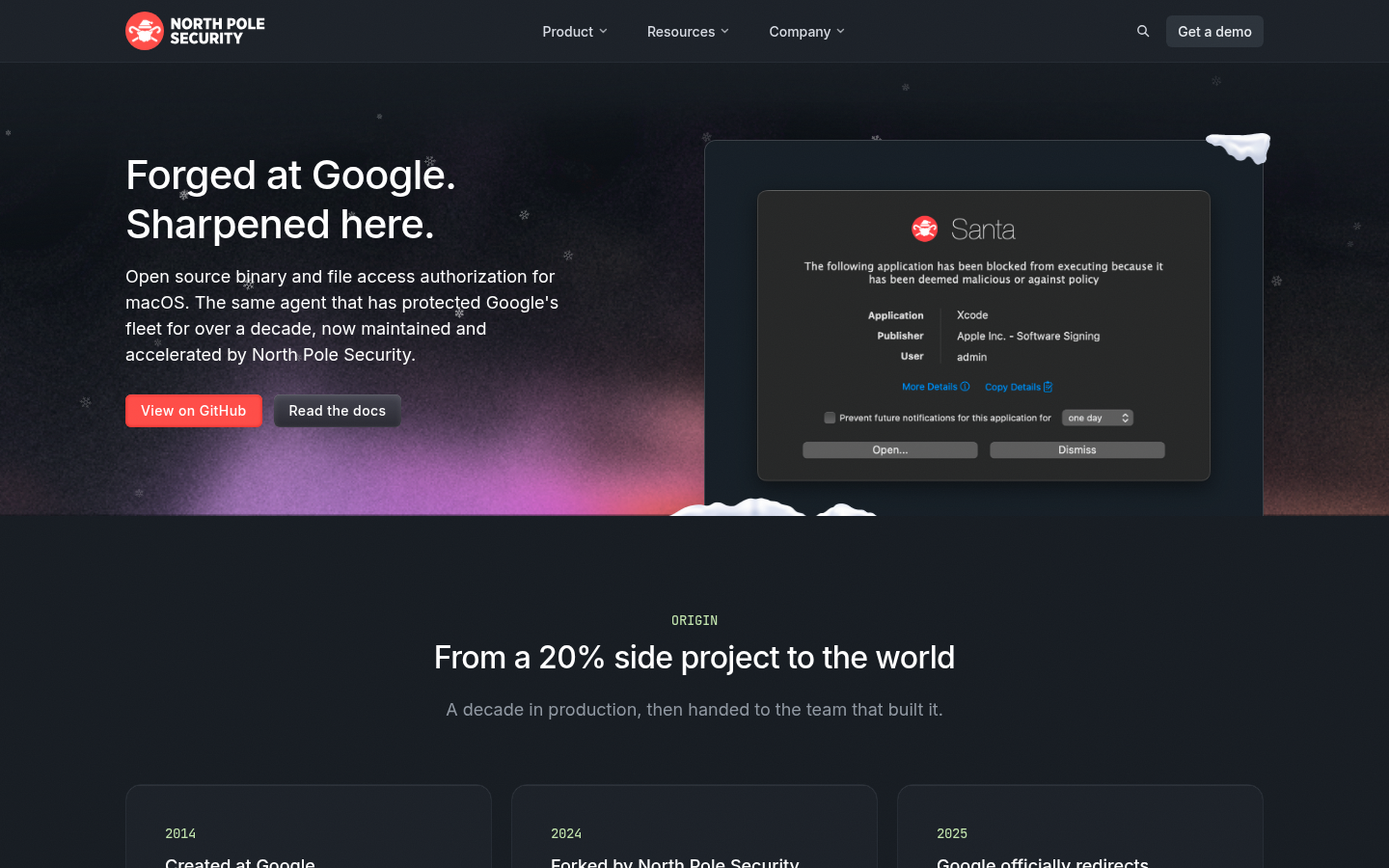
Santa is a binary authorization system for macOS. Google’s original repository is archived, and development continues in the North Pole Security fork under Apache-2.0.
It runs in monitor or lockdown mode and allows or blocks executions by binary, certificate, or team ID, with a sync server for central rules.
Key features:
- Monitor and lockdown modes
- Rules by binary, certificate, and team ID
- Central sync server
- Apache-2.0 license
Why we like it:
It is the standard open source way to allowlist on macOS, where most dev tools and agents now run.
Limits:
macOS only. You run the sync server or buy North Pole Security’s commercial service.
License or pricing: Free and open source under Apache-2.0.
A different control: discover and remove
The tools above answer one question each time code starts: is this allowed? Glow answers a different one: what is installed across the fleet, and should it stay? Its prevention agents remove software that policy rejects and keep it from coming back. It does not document blocking an unknown binary at launch.
The two approaches are complementary. A blocker without inventory leaves you approving requests blind. An inventory without a blocker leaves a gap between install and removal.
| Execution-time blocking | Discover and remove (Glow) | |
|---|---|---|
| When it acts | When code tries to run | After software is found on a device |
| Unknown binary | Blocked by default | Execution-time blocking not documented |
| Main output | Allow or deny decision per launch | Inventory plus allow or remove policy |
| Policy written as | Rules by publisher, hash, path, or certificate | Natural language, per Glow |
Glow
Best as a complement: finding and removing software that policy rejects
Glow launched in July 2026 with USD 180M at a USD 1.2B valuation.
It works the opposite way to an allowlist. Instead of blocking unknown code at launch, it keeps a reconciled inventory of what is already installed and uses prevention agents to remove software your natural-language policy rejects, so it does not come back.
Key features:
- Continuous software and AI tool inventory
- Natural-language policy
- Prevention agents that keep removed software off
- Remediation within set guardrails
Why we like it:
It handles the job blockers leave to someone else: finding what is already installed and keeping rejected software off the device.
Limits:
Launch-stage. Execution-time blocking of unknown binaries and OS coverage are not documented.
License or pricing: Commercial. No public pricing.
Where AI agents and dev tools fit
Coding agents, MCP servers, and IDE extensions are software like any other, so a deny-by-default blocker already decides whether their binaries and scripts may run. Glow additionally says it treats them as software its policy can approve or remove. For agent-specific controls such as tool-call inspection, see coding agent security tools.
Worked example: from audit mode to enforcement
Take App Control for Business on a pilot group of 50 Windows laptops. Week 1: deploy a policy in audit mode through Intune, trusting Microsoft-signed code and your managed installer. Nothing is blocked; each file that would have been blocked logs CodeIntegrity event 3076.
Weeks 2 to 3: review the 3076 events, add signer or hash rules for the legitimate apps they reveal, and redeploy in audit mode until new events are rare. Week 4: switch the pilot to enforced mode, where blocks log as event 3077, and keep a rollback policy ready. Then widen the rollout ring by ring.
Event IDs are from Microsoft’s App Control event reference. The timeline is illustrative, not a vendor benchmark.
How to choose an application control tool
- List your operating systems. Windows-only fleets can start with App Control for Business. macOS needs Santa or a commercial agent.
- Measure audit mode. Run each tool in audit for two weeks and count what would have been blocked.
- Design the request path. Decide who approves new software and how fast.
- Decide whether you need inventory too. If nobody knows what is installed today, pair a blocker with a discover-and-remove tool or your device manager’s inventory.
What we left out
- EDR suites with application control add-ons: see Glow vs CrowdStrike.
- AppLocker on its own: covered under App Control for Business.
- Carbon Black App Control (formerly Bit9): a long-standing Windows allowlisting product, now owned by Broadcom. Check its roadmap before shortlisting.
What the internet thinks about application control
Live threads, quoted for the argument, not the score.
Hacker News · April 2026
“Application allowlisting, particularly on Windows is a well solved problem.”
From a ransomware thread. Others replied that the technology is solved but the operations are not, which is what the commercial tools sell.
Hacker News · March 2026
“PAM will not save you, either will Airlock Digital or something like ATP or anything else like it.”
Advice on running a legacy client without local admin. The commenter’s fix was an isolated VM, a reminder that allowlisting does not fix risky legacy software.
Choose ThreatLocker for a fast rollout with a managed request service. Choose Airlock Digital for audited, cross-platform allowlisting, including offline sites. Choose App Control for Business for a free Windows control. Choose Santa for macOS. Add Glow when the problem is software already installed across the fleet, not what runs next, and you can pilot a launch-stage vendor first.
FAQs
What is application control?
Allowing only approved software to run on an endpoint and blocking everything else by default.
Is App Control for Business the same as WDAC?
Yes. Microsoft renamed Windows Defender Application Control to App Control for Business.
Is Santa still maintained?
Google archived its repository. North Pole Security maintains the active fork under Apache-2.0.